Add flights by hand in a fraction of the time
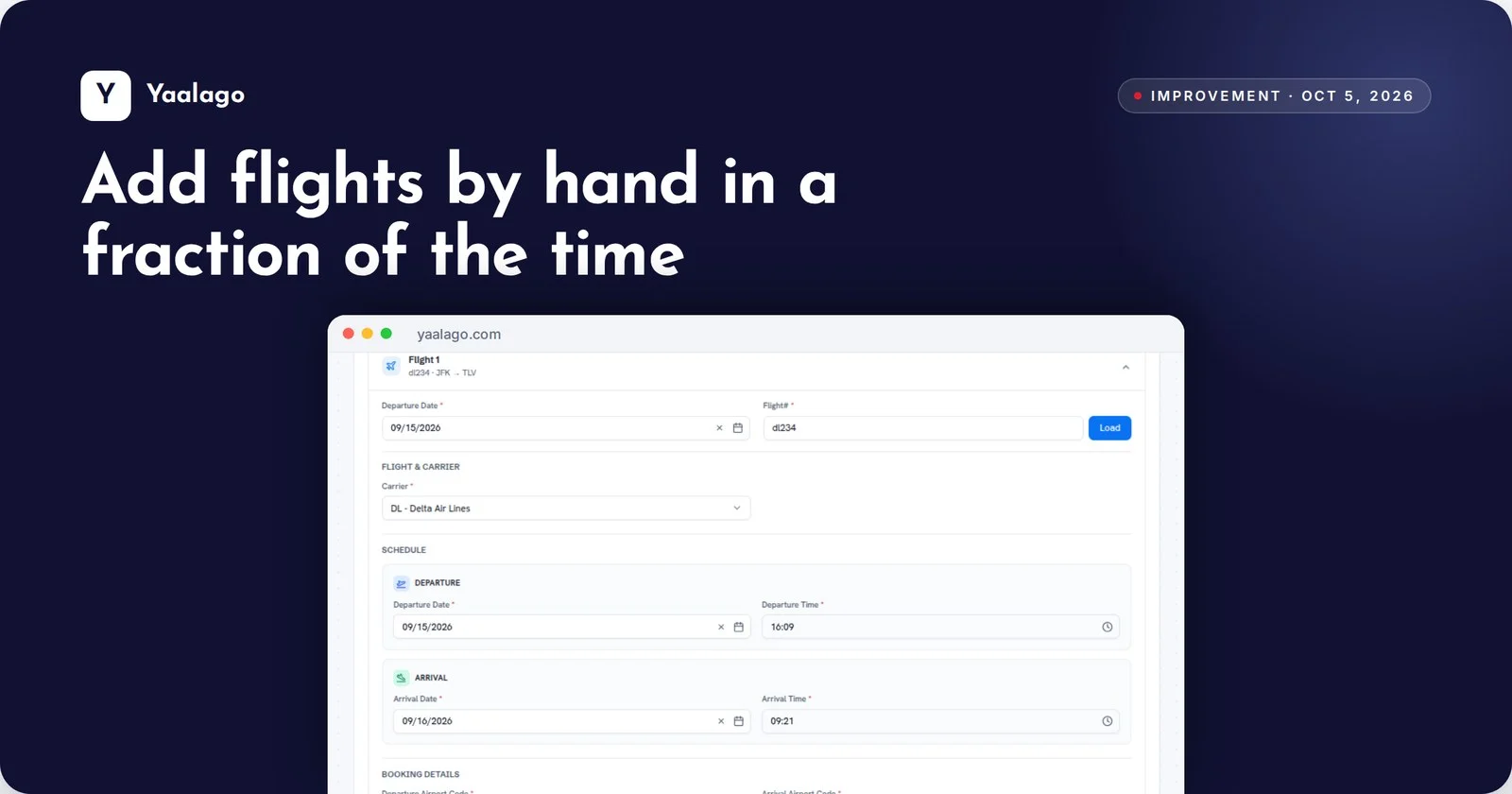
Entering flights booked outside your GDS just got much faster. Type a flight number and Yaalago fills in the airline, remembers your last cabin and carries the client and reservation details over from the previous flight. Multi-leg trips go in fast.
How to use it
- Use + Flight (Manual) under Shortcuts, or Add Flight on a trip
- Type the flight number and date and click Load. The airline fills in
- For the next leg, the cabin, client and reservation details carry over