Add Frequent Flyer Numbers When Creating Manual Trips
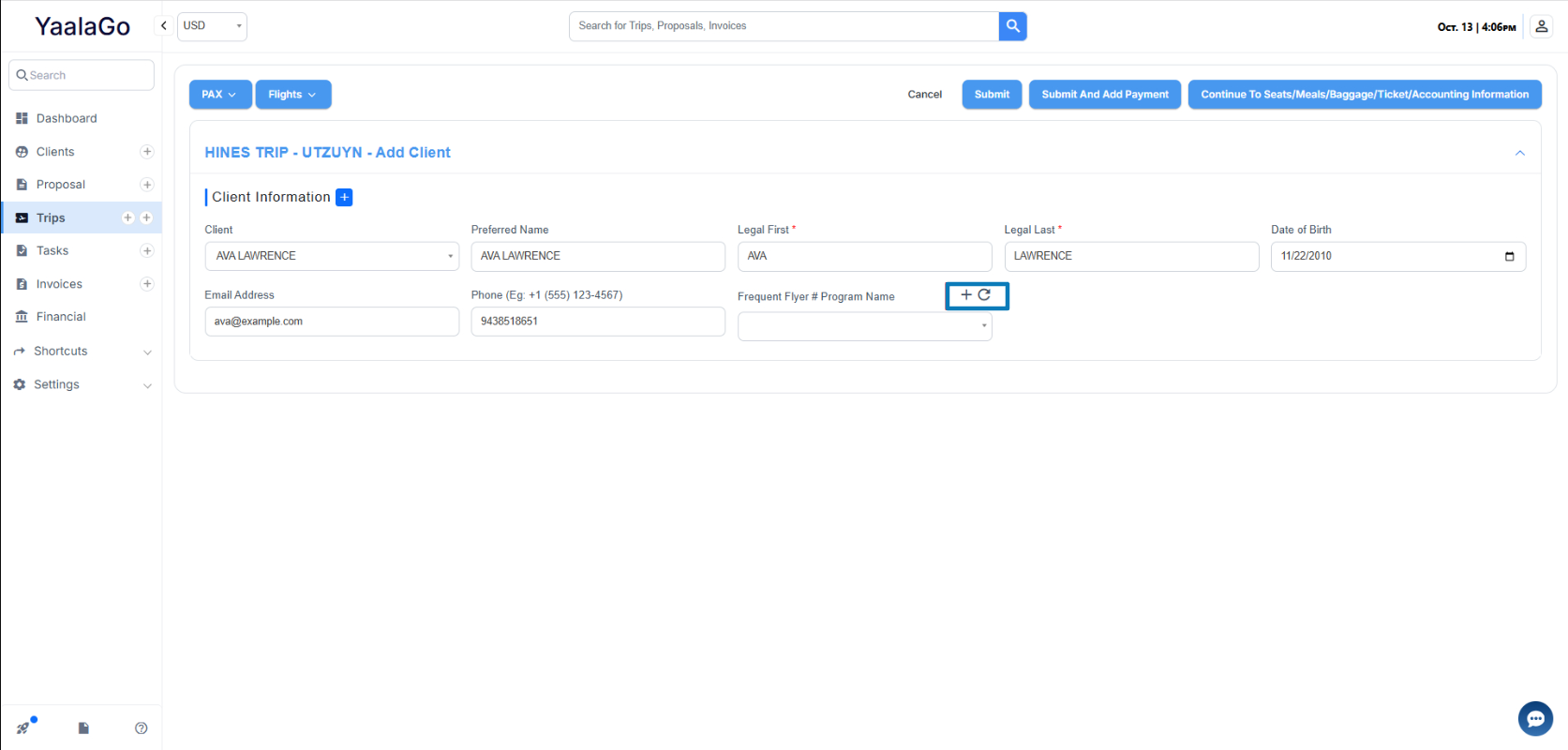
You can now add a passenger’s frequent flyer details directly while creating a manual trip. When entering passenger information, use the new Add Frequent Flyer button to enter airline, program name, and membership number on the spot. Once saved, click the refresh icon on the manual trip form so load the newly added frequent flyer number.
This makes it easier to capture and store frequent flyer information without leaving the manual trip flow.