Add Multiple Passports in Client CSV Uploads
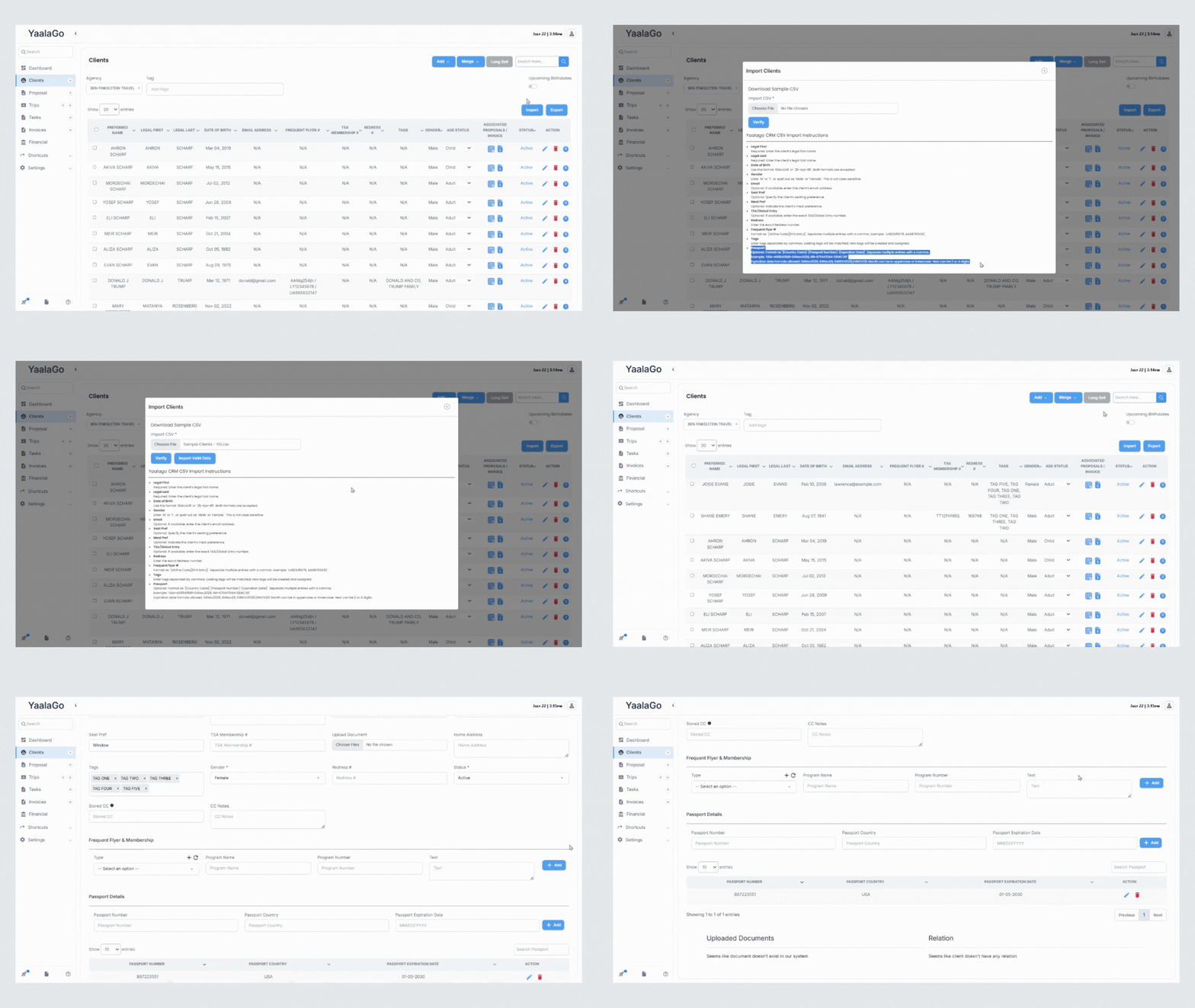
You can include multiple passports for each client directly in the CSV upload.
To add multiple passports, enter them in a single cell separated by commas using this format:
CountryCodePassportNumberExpiryDate
Example: USA123456781229, ISR987654320428
If a client has only one passport, just enter that one using the same format.
Refer to the sample CSV on the upload page for guidance on formatting. This helps keep all relevant travel documents in one place when managing client profiles.