Display Flights updates live as you work
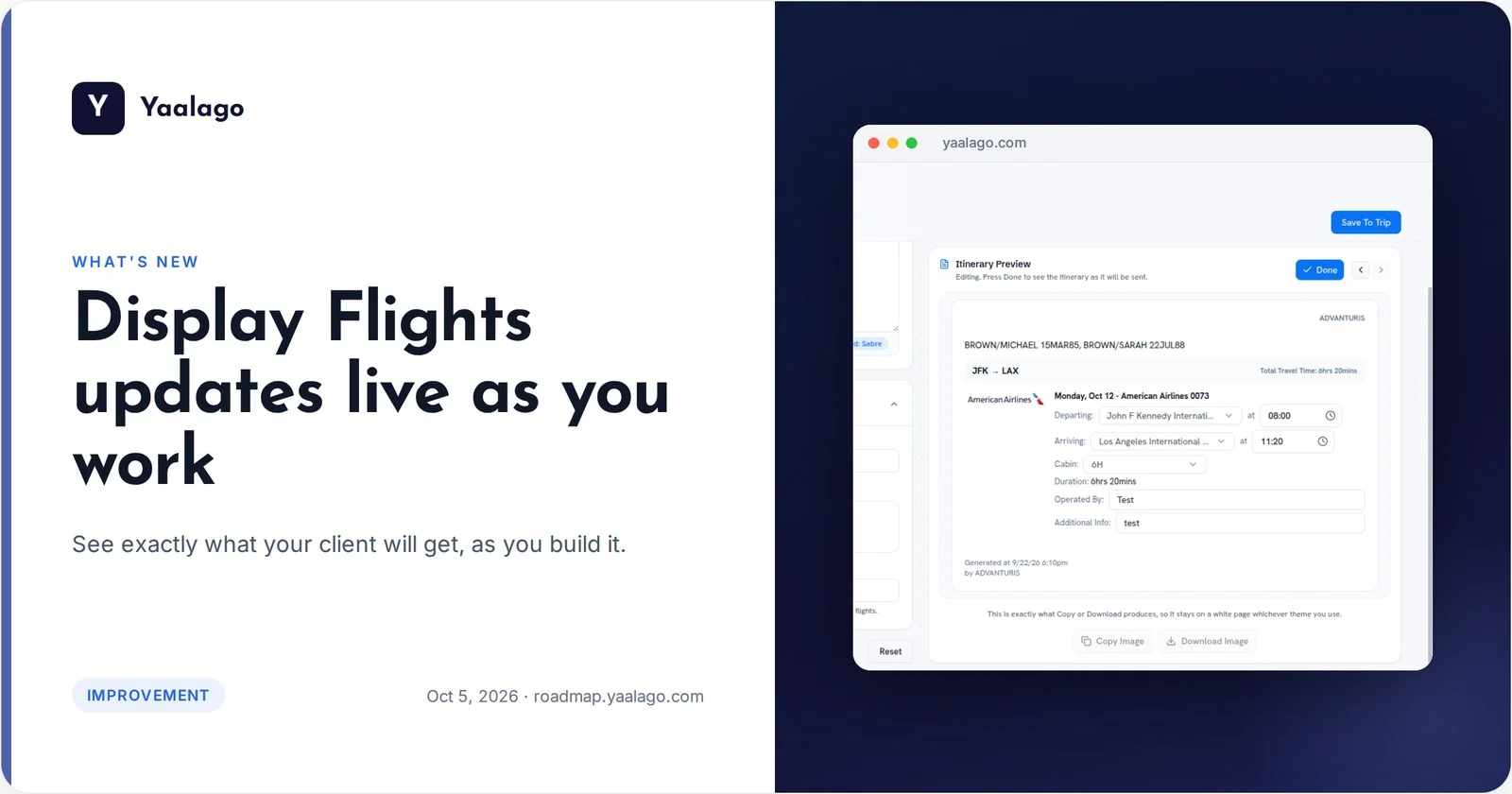
See exactly what your client will get, as you build it. The Display Flights preview now updates live as you change flights, prices or options, remembers your GDS checkboxes, and keeps all the samples in one menu.
How to use it
- Open Shortcuts → Display Flights and paste a booking
- Change flights, prices or display options. The preview updates as you go
- Your GDS options stay ticked next time. Sample formats are in one menu