Dual + Buttons for Manual and GDS Trip Creation on Hover
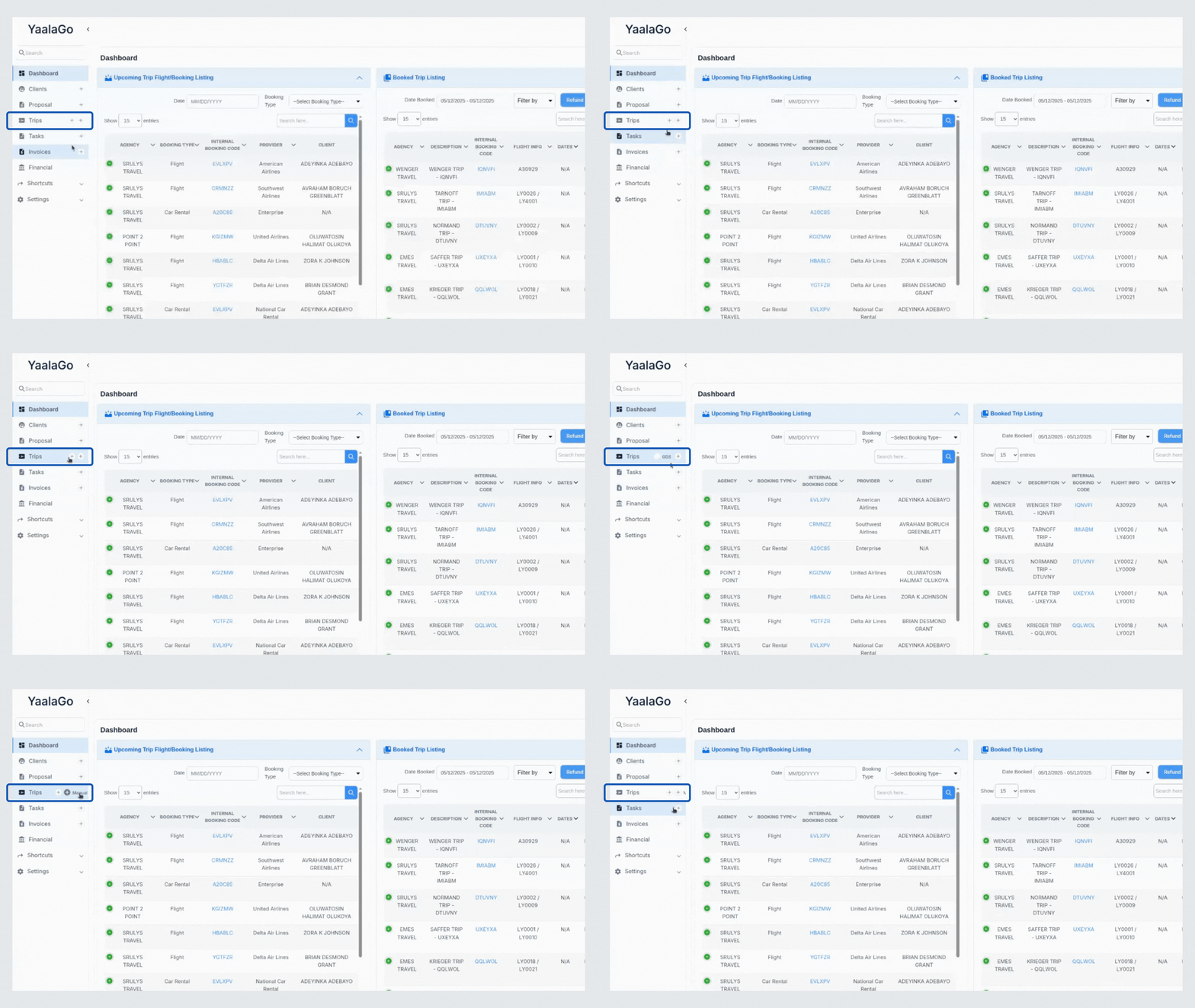
We’ve added a small but helpful improvement to the trip creation experience.
Now when you hover over the trip section, you’ll see two + icons appear, each with a clear label. One lets you build a new trip manually, the other opens the GDS import flow. This gives you quicker access to both paths without adding clutter to the main UI.
We also improved the button alignment and spacing across views, especially on smaller screens. While the mobile version is still being refined, the current layout should already feel cleaner and more intuitive.