Financials, now much faster
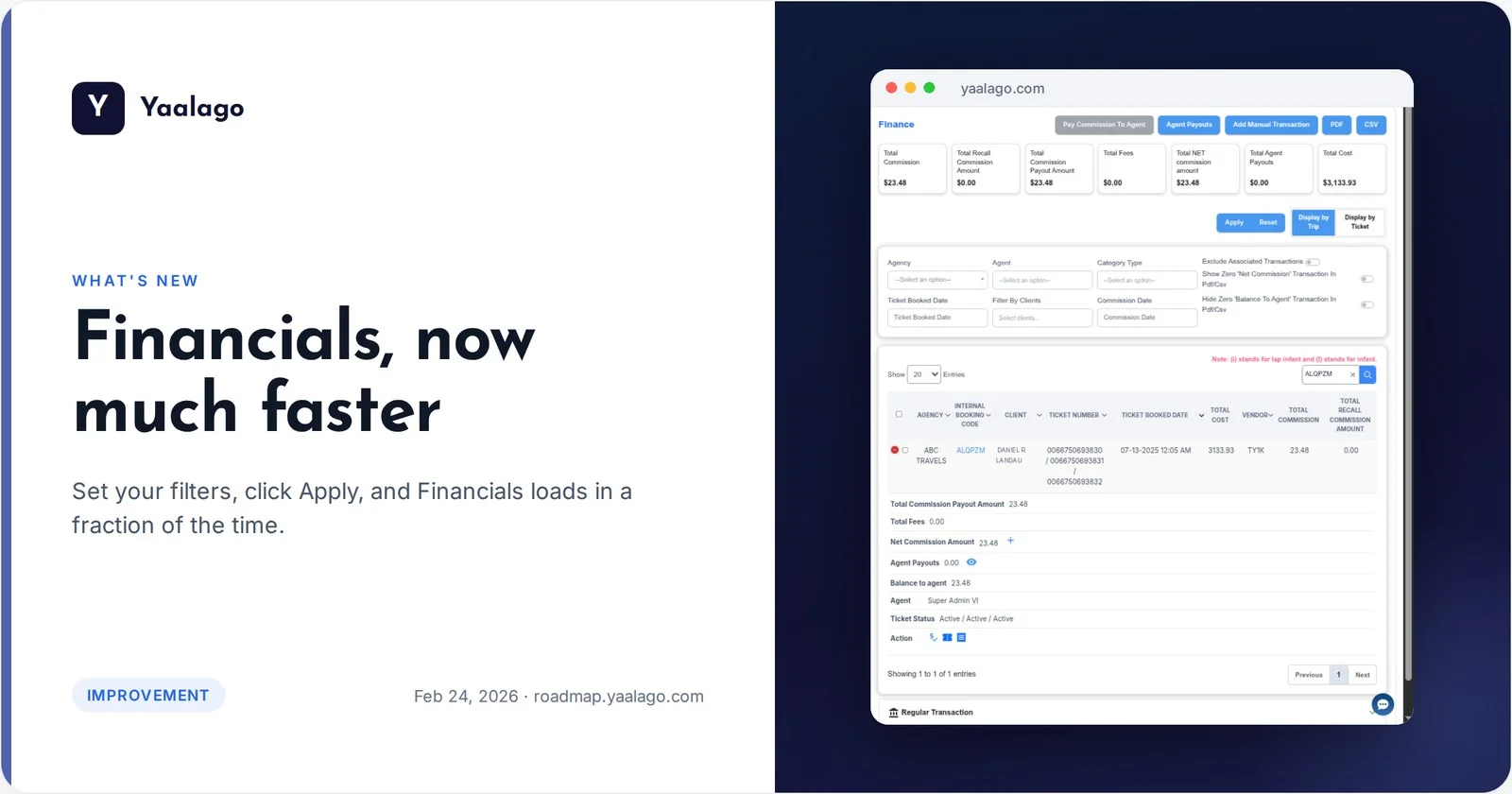
Set your filters, click Apply, and Financials loads in a fraction of the time. New tooltips explain the Verified and Correct columns too. Month-end just got a lot smoother.
How to use it
- Go to Financial
- Set your filters, then click Apply
- Hover over Verified and Correct to see what they mean