Hide your commission on ticket confirmations
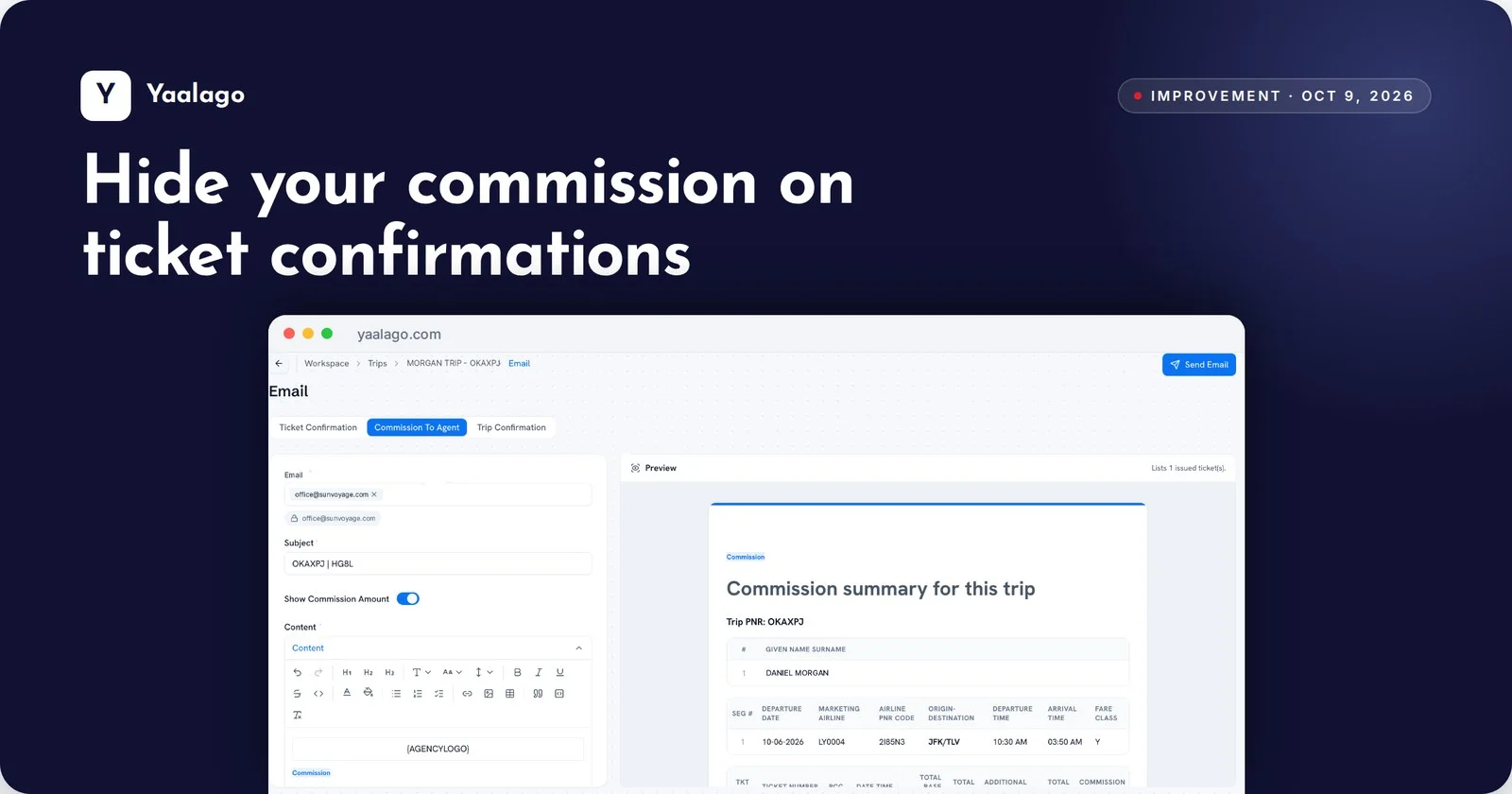
Need to send a ticket confirmation without showing what you earned? A new toggle leaves the commission amount out. And the recipient now defaults to the vendor's email, so it's one less thing to fill in.
How to use it
- Open the trip and click Send, then Email
- Choose Ticket Confirmation
- Turn off Show Commission Amount before sending. The recipient fills in with the vendor's email