Improved Exchange Handling for Split and New PNRs
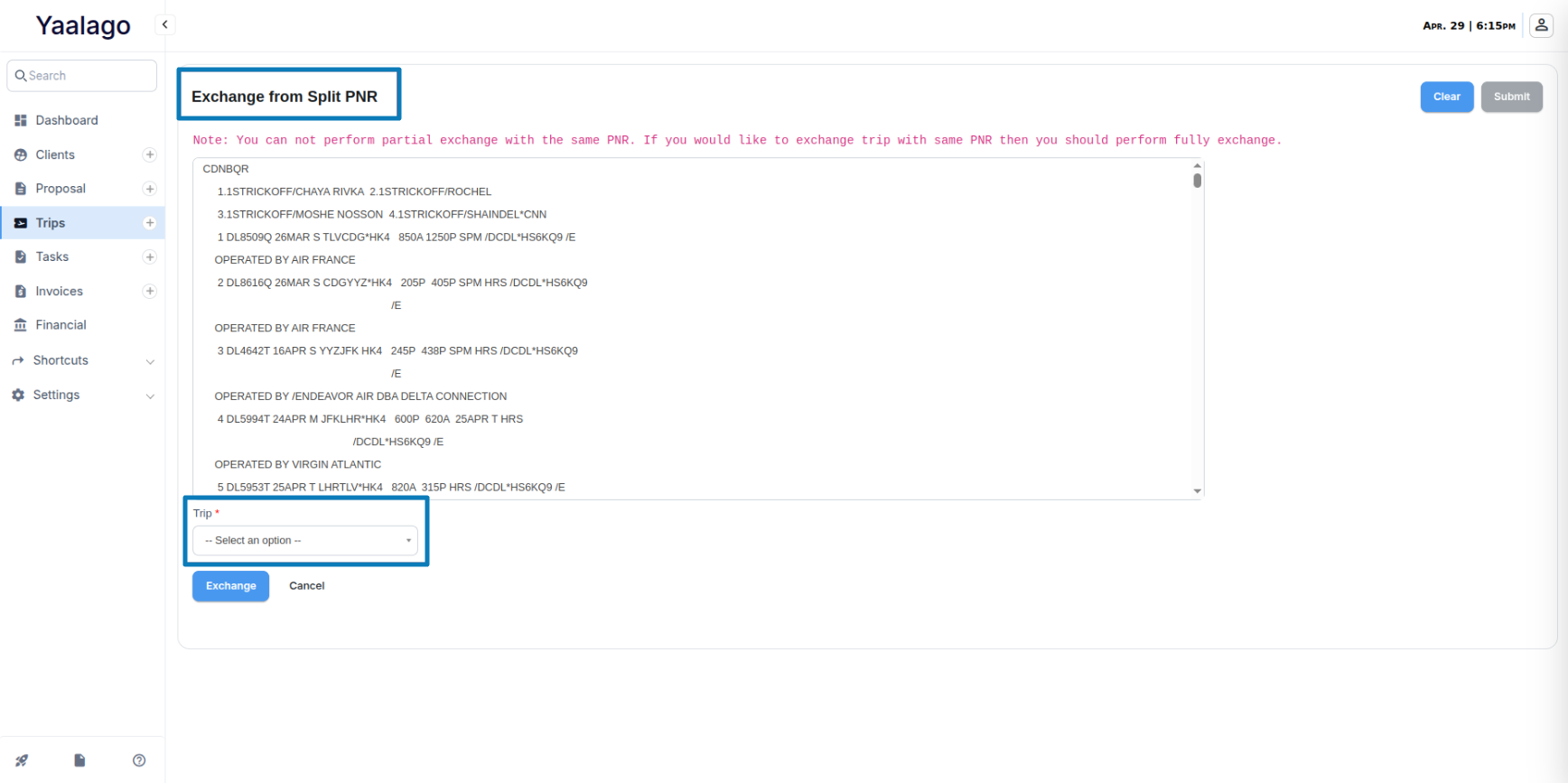
You can now process ticket exchanges in YaalaGo CRM even when the exchange involves a different PNR—whether from a split or a newly created trip.
What’s New
If a client needs to exchange a ticket and they’re now in a different PNR (due to a split or a brand new booking), the system will try to detect the related trip automatically. If it can’t, you’ll be prompted to manually select the relevant trip. You’ll be able to search by PNR or passenger name, and preview the trip before confirming.
This feature ensures:
- You can apply the existing payment to the new trip
- Profit and reporting stay accurate
- You don’t have to create a workaround when handling complex exchange cases
Key Details
- Auto-Detect First: The system first attempts to auto-detect the matching trip based on client details and PNR references.
- Manual Selection Option: If auto-detection fails, a selection screen appears to let you manually choose the trip to exchange from.
- Partial Exchanges: This process supports both full and partial exchanges, including cases where only one passenger from the PNR is involved or the ticket is partially used.
- Client Matching Required: Exchange across PNRs is only allowed when the client profile remains consistent.