Improved Invoice Notes Formatting and Smarter Column Layout
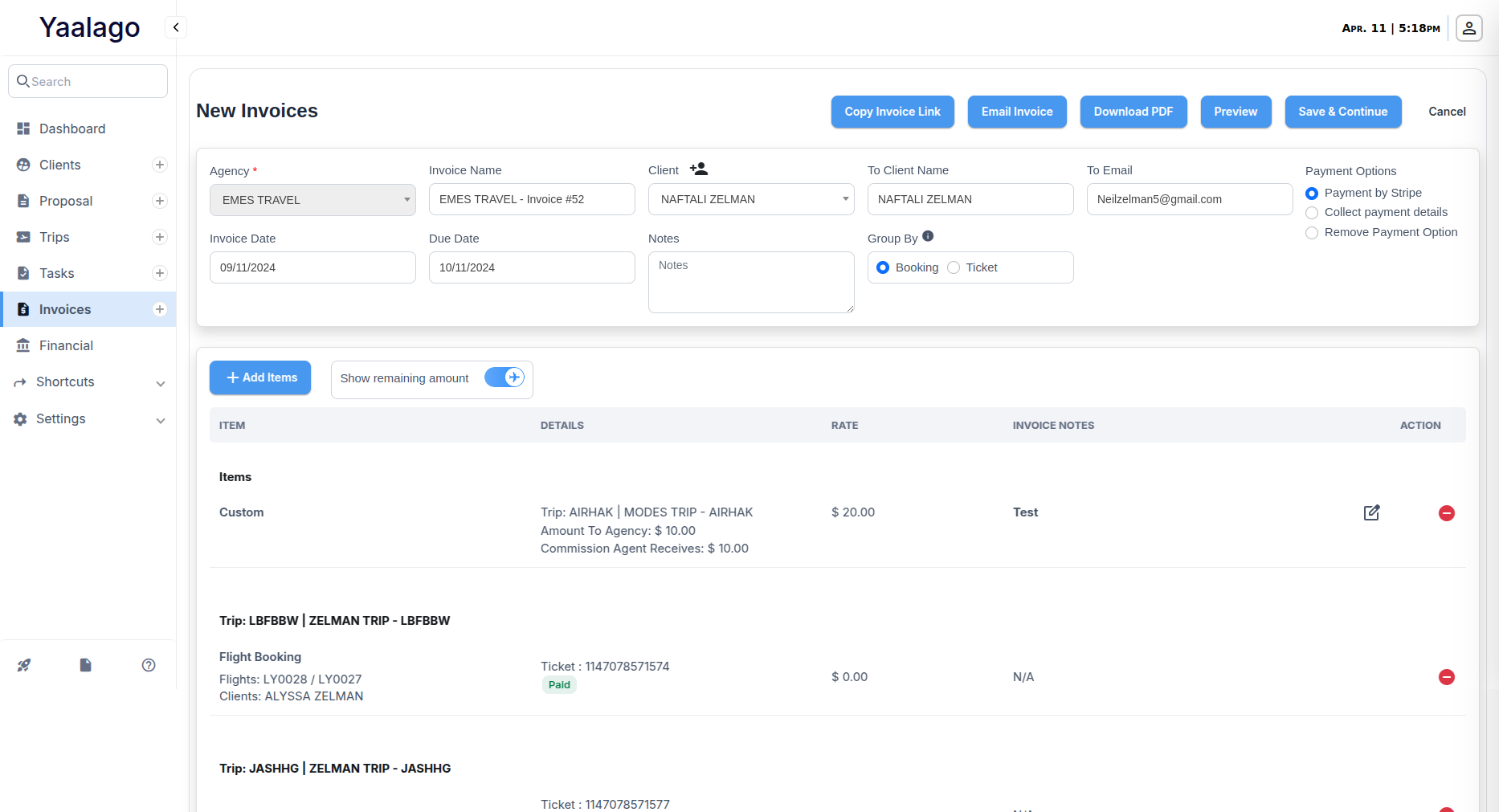
You can now add and format invoice item notes using a rich text editor. This allows for proper line breaks, bullet points, and styled formatting so that key information like flight or cruise details can be displayed clearly and professionally.
What’s Changed:
- Rich Text in Notes: The notes field now supports formatted content. You can use bold, italics, bullets, and spacing to keep invoice information clean and readable.
- Smart Column Display: When invoices contain only custom items with no extra details, the Details column will automatically be hidden.
- Auto-Adjusted Layout: When columns are hidden, remaining columns like Item, Rate, and Notes will auto-expand to use available space more evenly.
- Consistent Design Rules: Column widths are now standardized across all invoices—adjusting automatically based on how many columns are displayed.
- Notes Column Header Alignment: This remains left-aligned to ensure consistency across invoices with varying amounts of data.
- Content Length Limit Removed: You can now add long formatted content without hitting a character limit. The system will accept full descriptions even if copied from external sources like cruise line itineraries.
Heads-Up on Styling:
If you're pasting formatted content from external tools (like Google Docs or websites), background colors may carry over. To avoid display issues, we recommend clearing unwanted background formatting in the HTML editor mode. We're exploring further design improvements if this becomes a frequent need.