Keep Your Invoices in Sync When Replacing Trips
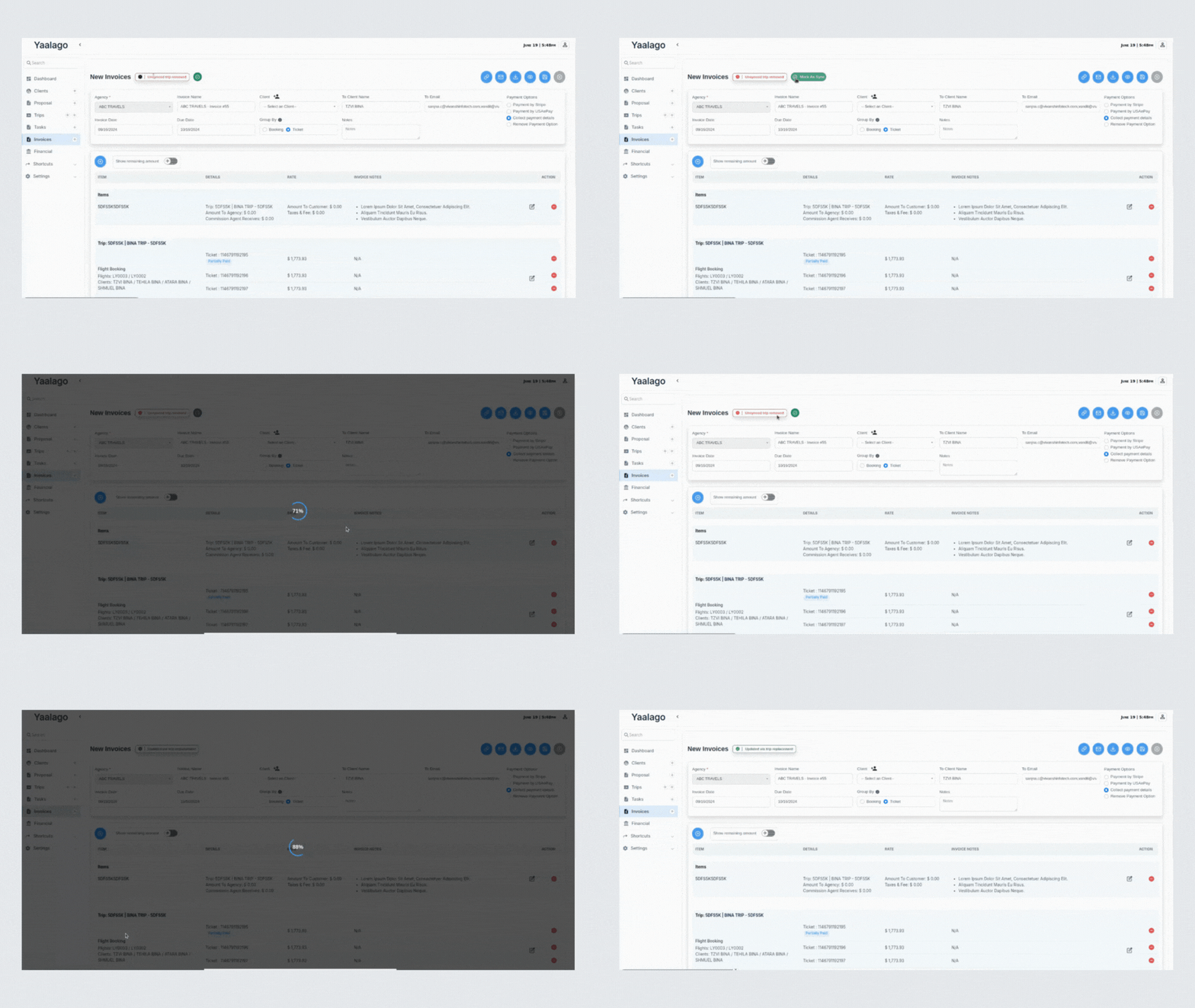
We’ve added a new feature that gives you more control and clarity when replacing a trip that’s already been added to an invoice.
Before, if you replaced a trip like after a fare drop, the original trip would be quietly removed from the invoice. This often led to confusion, missing bookings, and inaccurate totals.
Now, YaalaGo will detect when a trip being replaced is already tied to one or more invoices. You’ll be prompted with the option to update those invoices with the new trip. If you choose to proceed, you’ll see a list of affected invoices and a simple ticket matching screen to confirm what’s being replaced.
Here’s how it works:
- You’re prompted during the trip replacement process if the trip is already invoiced
- You choose which invoices you want to update
- The system shows you a side-by-side comparison of old and new tickets
- You confirm the mapping (the system will pre-match any obvious ones for you)
- The selected invoices get updated with the new tickets and flagged as Updated via Trip Replacement
- Any invoice you skip will be flagged as Unsynced Trip Removed so you or your team can follow up later
The invoice totals shown to your customer stay the same unless you choose to adjust them. If the new trip costs less or more, YaalaGo updates the profit and payment status behind the scenes while keeping the customer-facing price intact.
This gives you a clear, accurate picture of your invoices without losing important booking data or needing to redo things manually. If you ever rebook a trip for the same passengers or routing, this flow will help ensure everything stays linked and synced