Link a whole family in one go
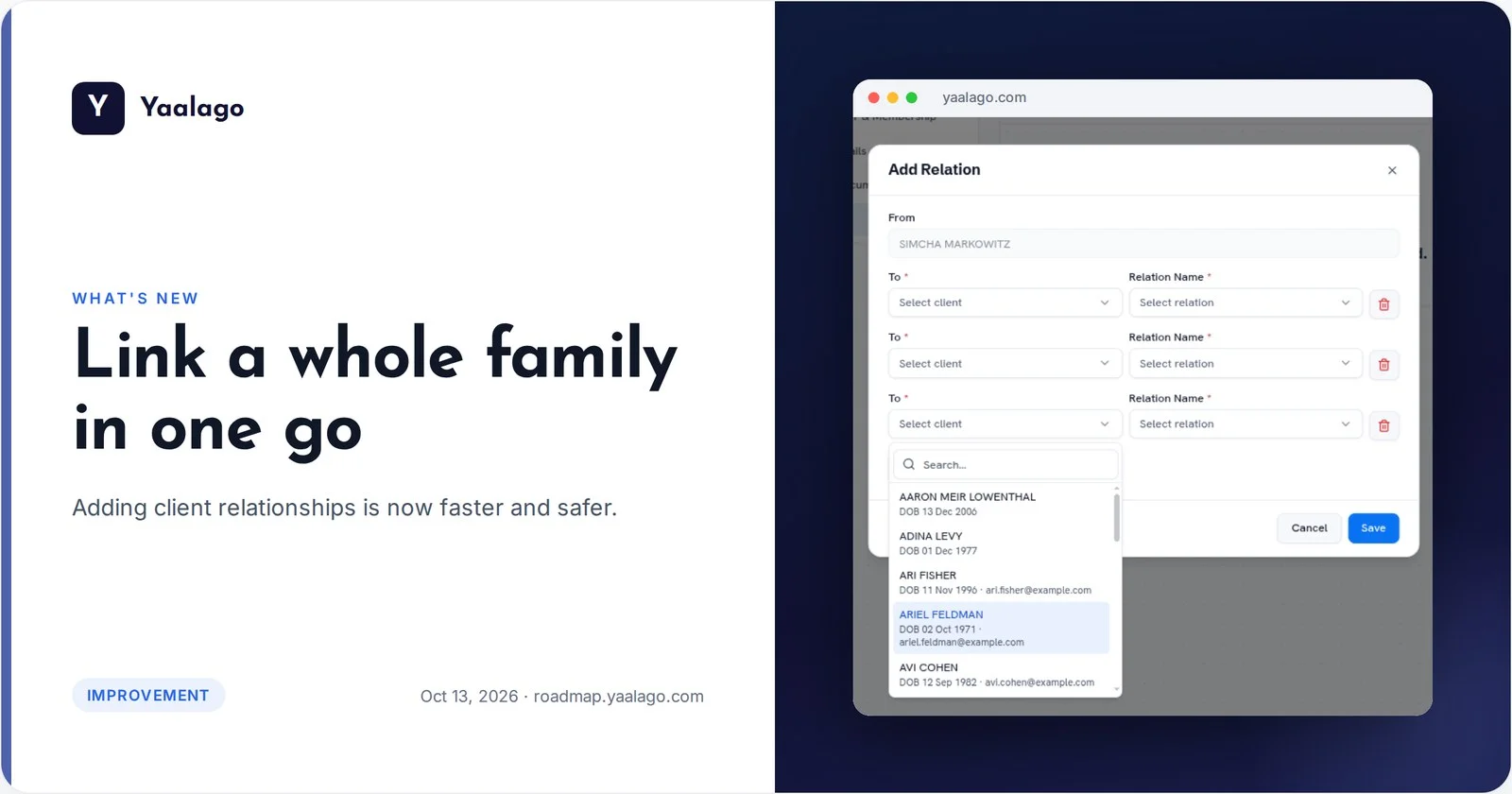
Adding client relationships is now faster and safer. Add Relationship shows each client's date of birth, email and the last four digits of their passport, so you always pick the right person, even when two clients share a name. And you can add several relationships at once.
How to use it
- Open a client and go to Relationships
- Click Add Relation
- Search for each person. Every result shows date of birth, email and the last four passport digits
- Add as many relationships as you need, then Save