New Filters Added to Commission Structure Page
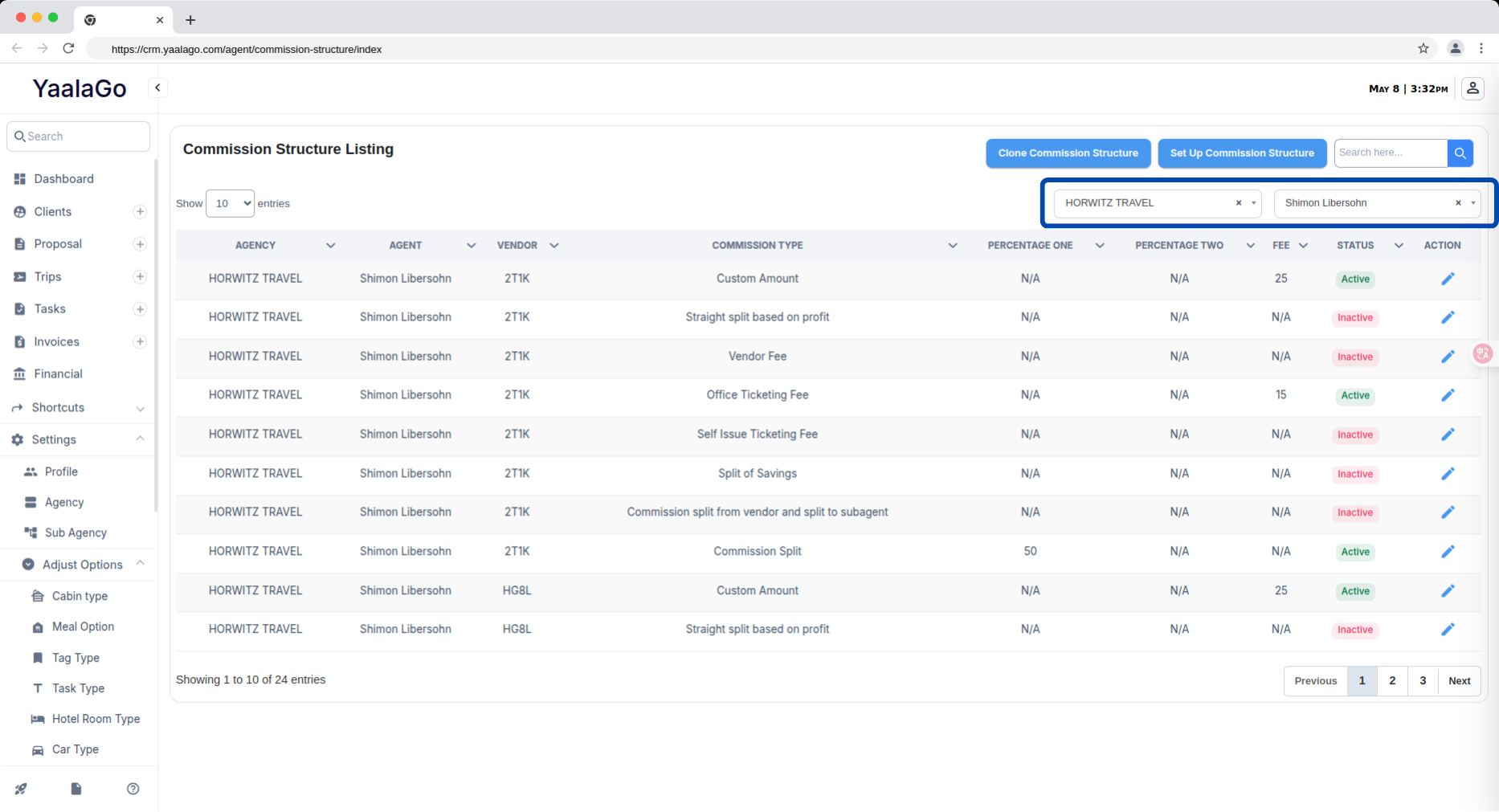
You can now filter commission data by both agency and agent on the Commission Structure page in YaalaGo CRM. This makes it easier to view and manage commission breakdowns specific to a particular agency or individual agent, especially when reviewing or adjusting payout settings.
To use the filters, go to the Commission Structure section under Settings > Adjust Options. You’ll see dropdown options at the top of the page that allow you to select the agency and/or agent you want to view. The page updates automatically once a filter is applied.