New Tasks Are Now Automatically Set to Active
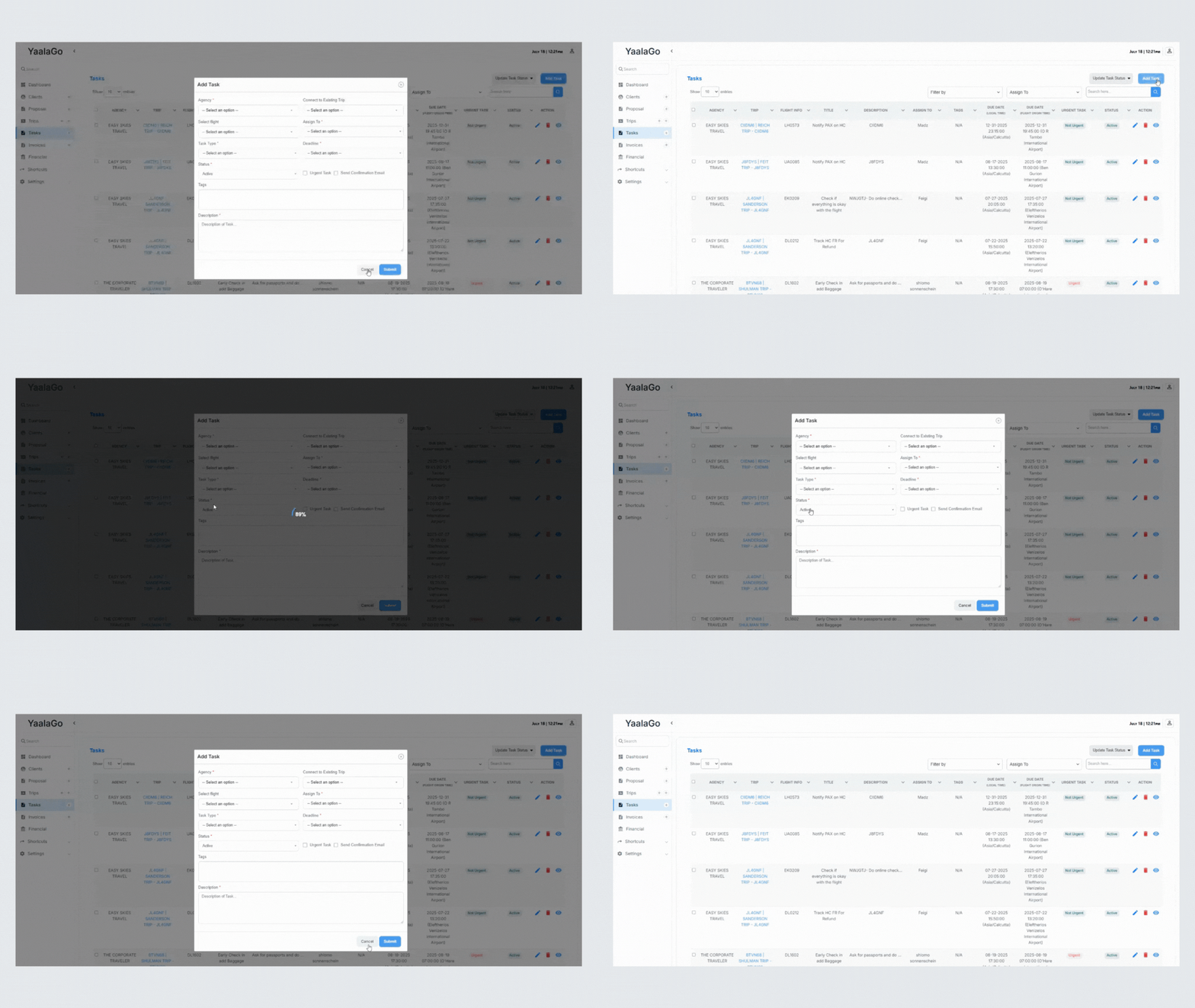
When you create a new task in YaalaGo, it's automatically marked as Active. There's no need to choose a status during setup.
If you want to update the status later, you can still do that when editing the task. All status options remain available in the edit view.
Confirmation emails also send as expected after task creation.