New Toggle Options for Display Customization in Flight GDS
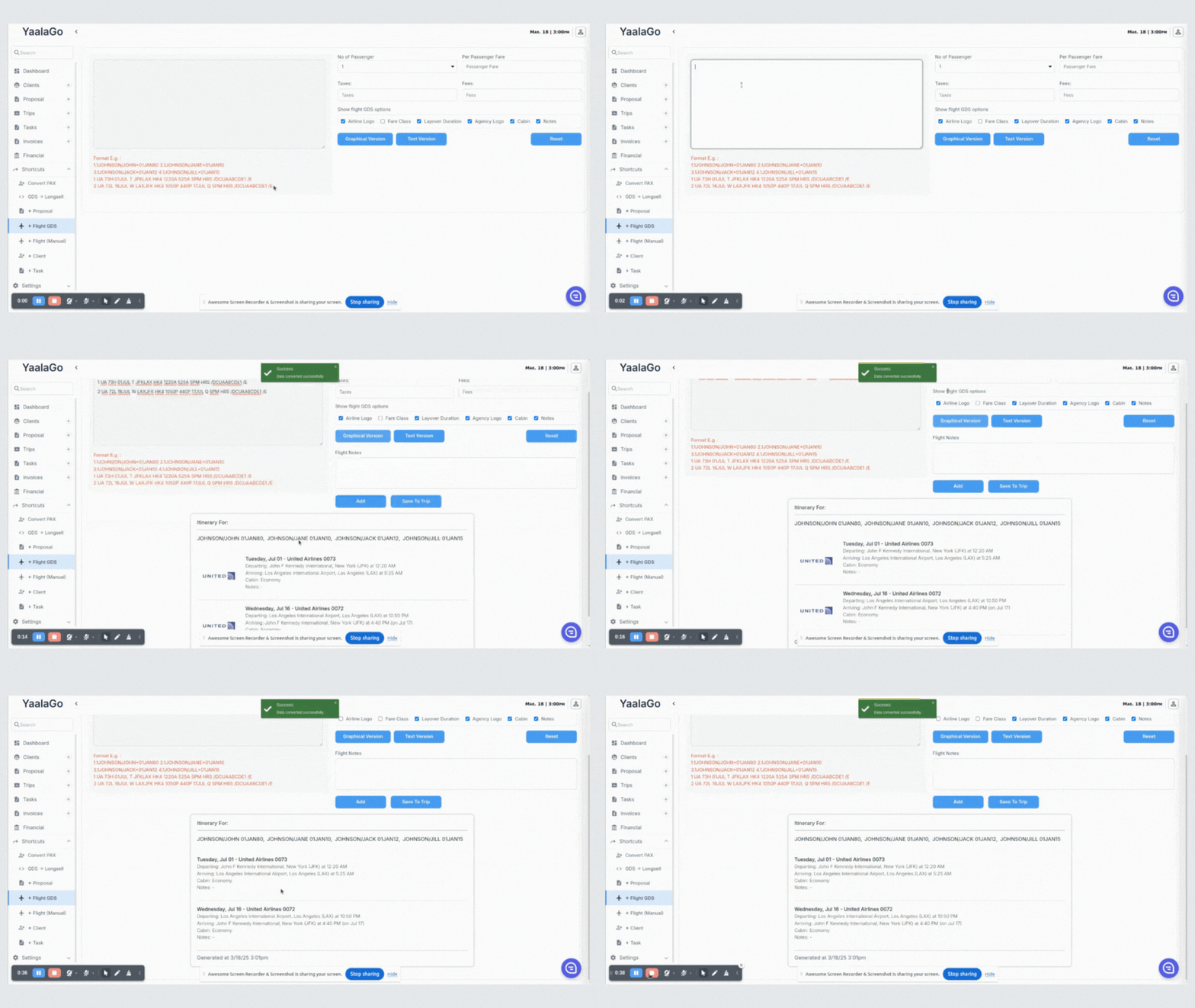
We’ve added new options to improve customization when displaying flight information. You can now control the visibility of the following elements through toggle options:
- Show Agency Logo: Selected by default. When deselected, the agency logo will be hidden.
- Hide Cabin: Selected by default. When deselected, cabin details will be hidden for all segments.
- Hide Notes: Selected by default. When deselected, the notes section will be hidden for all segments.
These options are available in two areas:
- Add Trip Flight GDS (from the Edit Trip screen)
- Shortcut (Add Flight GDS)
By default, all three options are selected. Once the initial conversion is done, any changes to these toggles will automatically update the graphical output without requiring users to press "Convert" again.
Additionally, when the airline logo is hidden, the layout will adjust by aligning the remaining content to the left for improved formatting.