New Tools for Managing and Merging Trips
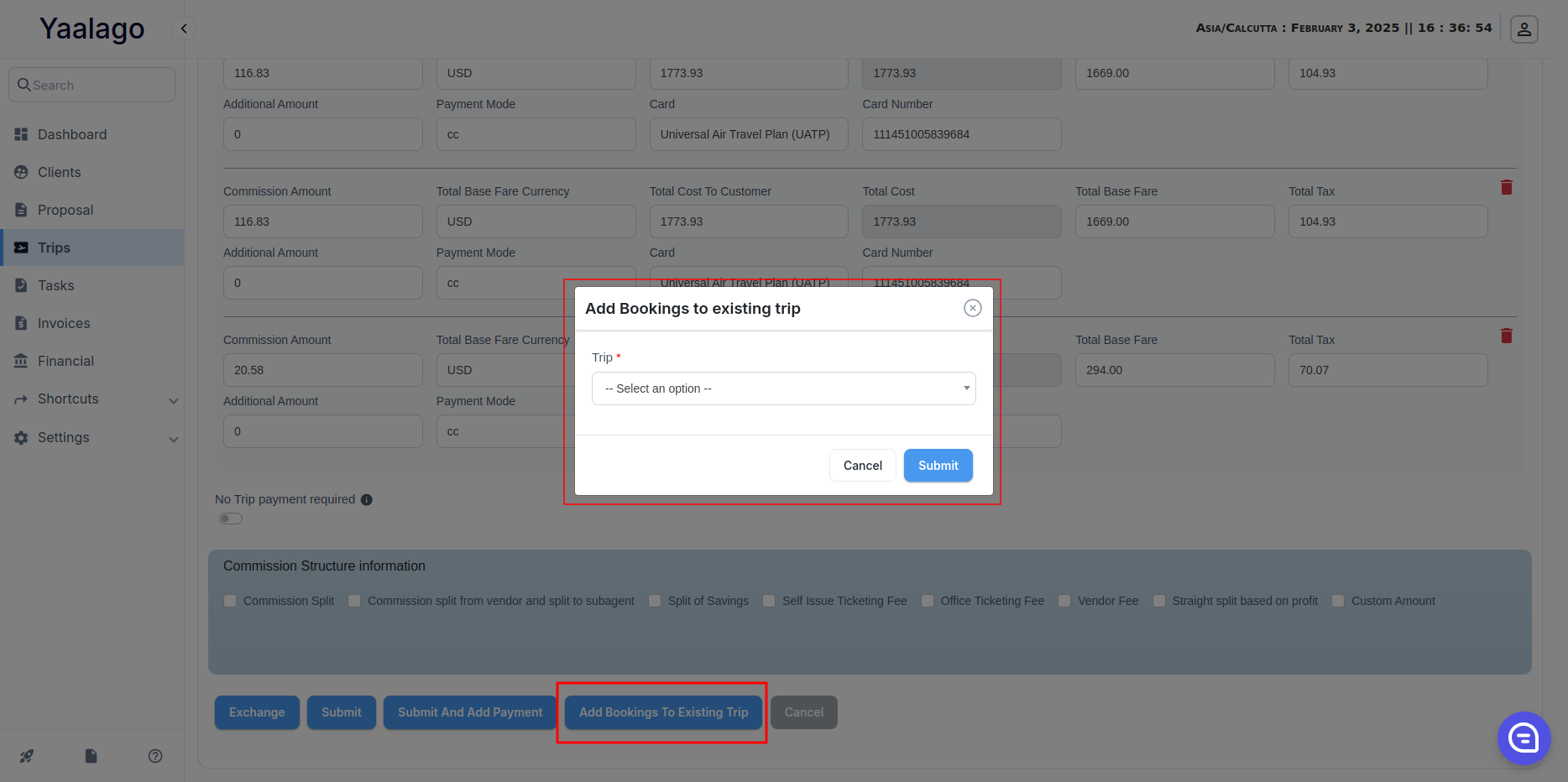
We have made it easier to merge trips and manage flights in YaalaGo CRM. Now, you can add trips to existing ones during creation and move flights between trips when needed.
What’s New?
- Add to Existing Trip When Creating a Trip
- A new "Add to Existing Trip" button is now available when creating a trip.
- Users can search for an existing trip by name, PNR, or other details and add the new trip to it immediately.
- Move Flights to an Existing Trip
- The Merge/Split Bookings feature now supports flights in addition to standard bookings.
- Users can move flights along with all related data, including tickets, commissions, payments, and accounting records.
How It Works
- Adding a Trip to an Existing Trip: When creating a trip, click "Add to Existing Trip", search for the trip you want to merge with, and confirm the selection.
- Complete Data Transfer: When a flight is moved, all related records, including tickets, payments, and accounting, are updated under the new trip.