Notes Section Now Hidden by Default When Empty
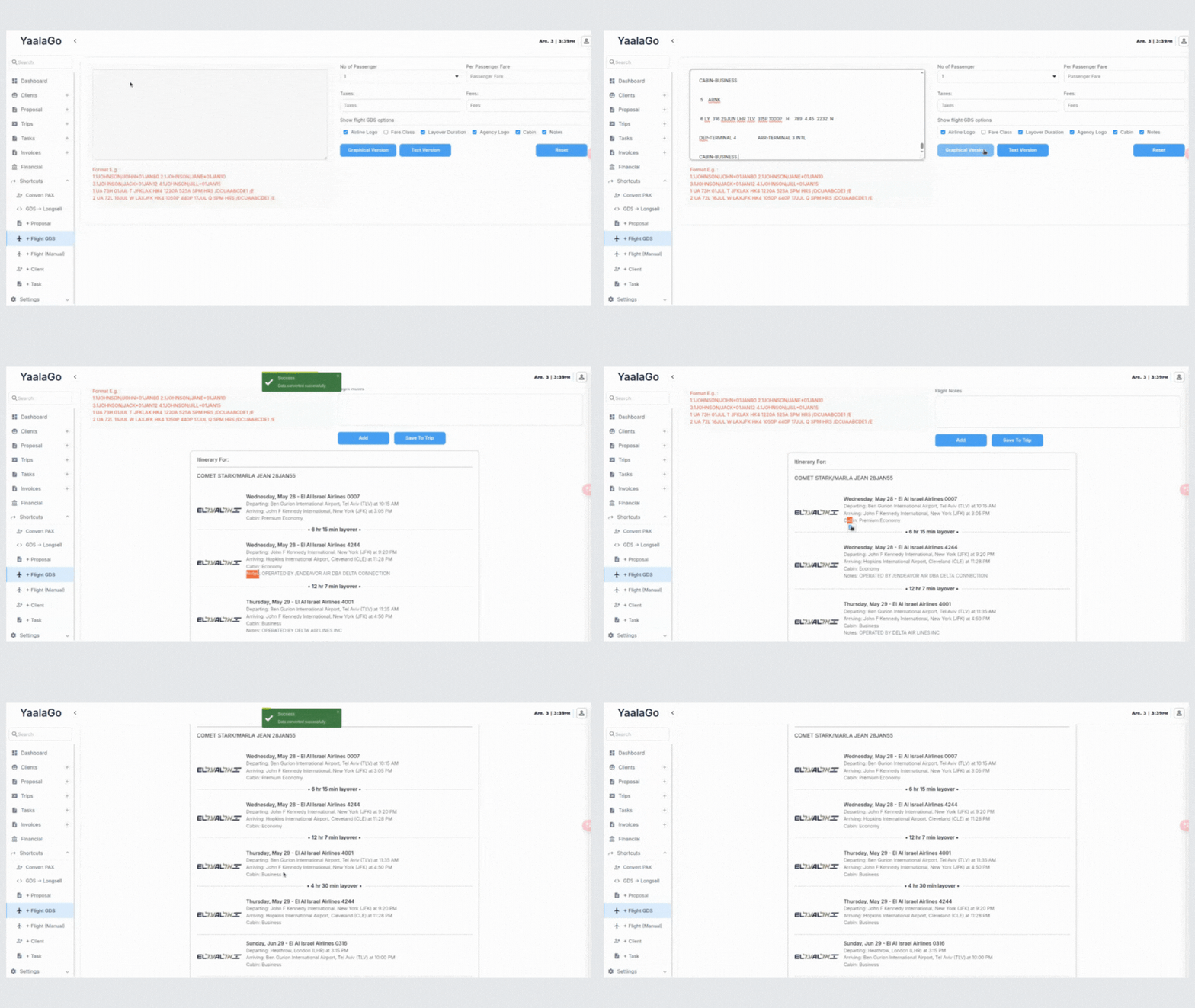
We’ve updated how the Notes section behaves in the flight conversion flow. If there are no notes available from flight GDS, the Notes section will no longer appear by default. This helps keep the interface clean and focused.
If notes are present, you’ll still be able to view or hide them based on the Show Notes toggle.
Heads up: Since the section doesn’t show when it’s empty, you won’t be able to manually add a note in those cases. Previously, you could double-click the empty area to do this, but that option is no longer available due to the change in how the system handles empty fields.