One Add button for every kind of option
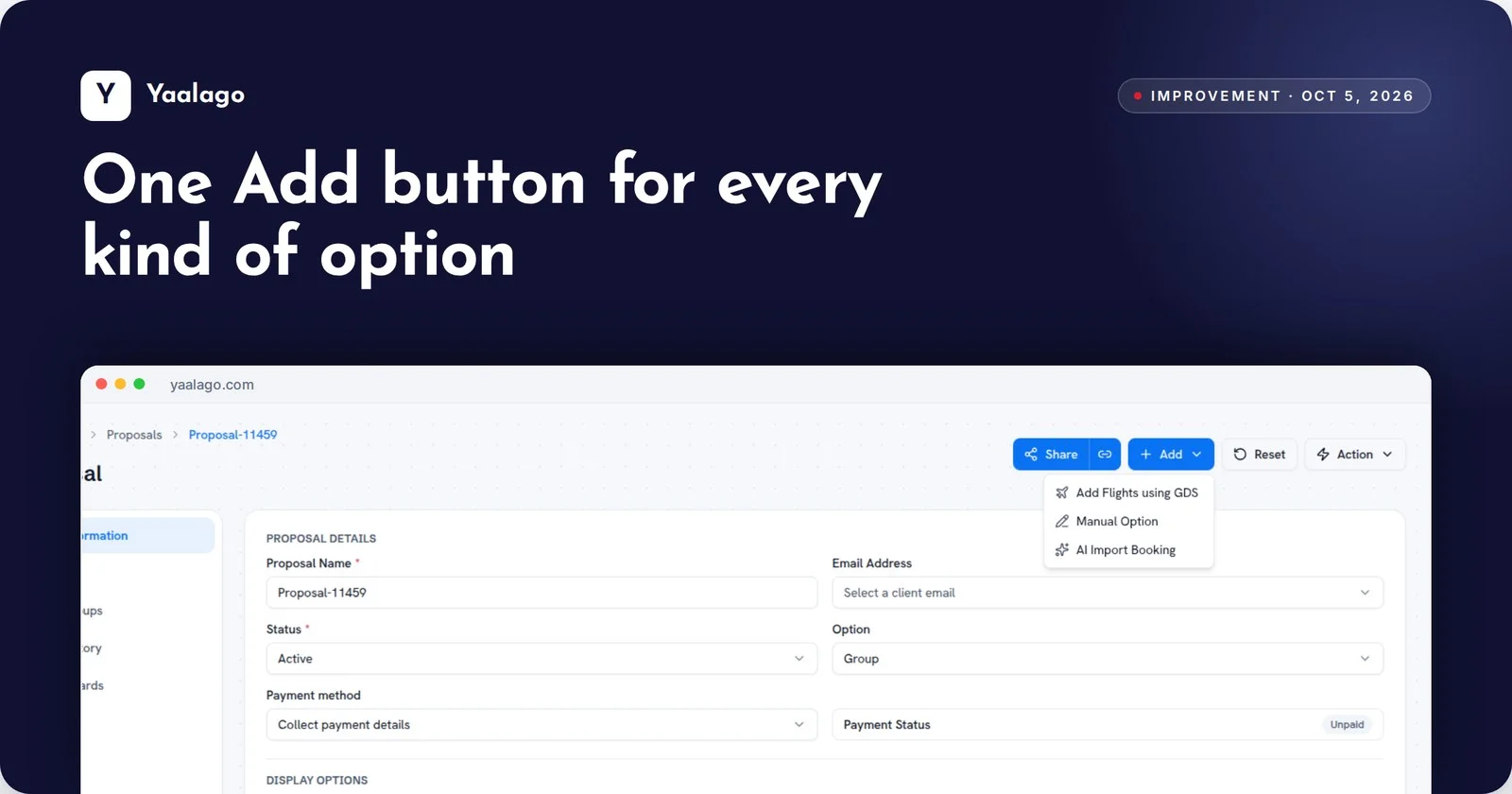
Building a proposal is now simpler. One Add button brings GDS, AI Booking and manual entry together, so you can put a GDS fare next to a low-cost or direct option in seconds.
How to use it
- Open the proposal and click Add
- Choose Add Flights using GDS, Manual Option or AI Import Booking