One email address for the whole family
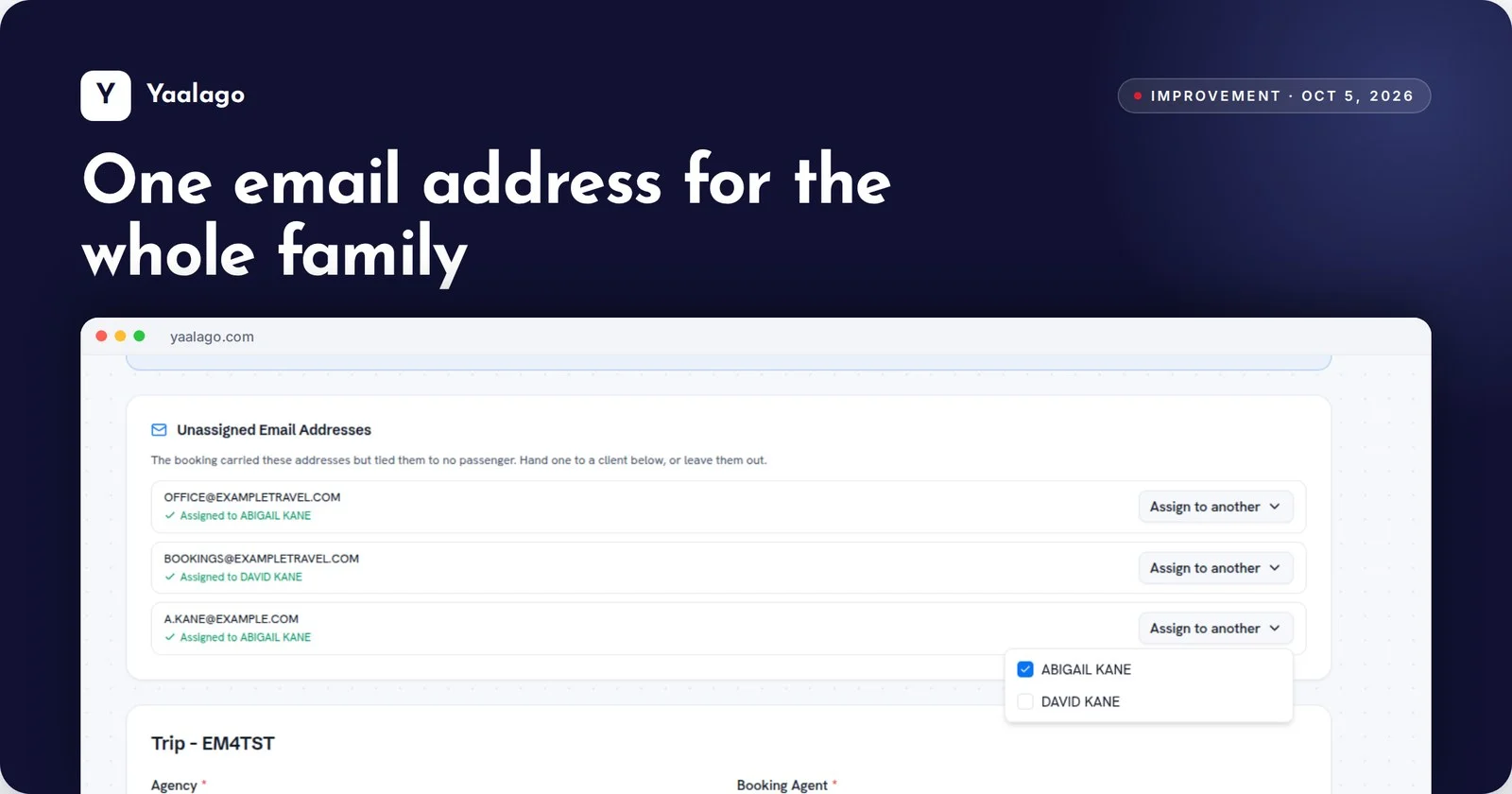
When one parent handles all the travel emails, you can now assign a single email address to several travelers, and each row shows who it's assigned to.
How to use it
- Paste the booking on Add Trip Using GDS and click Convert
- In Unassigned Email Addresses, use Assign to another to give one email to several travelers
- Each row shows who it's assigned to