Peek at the trip before you invoice it
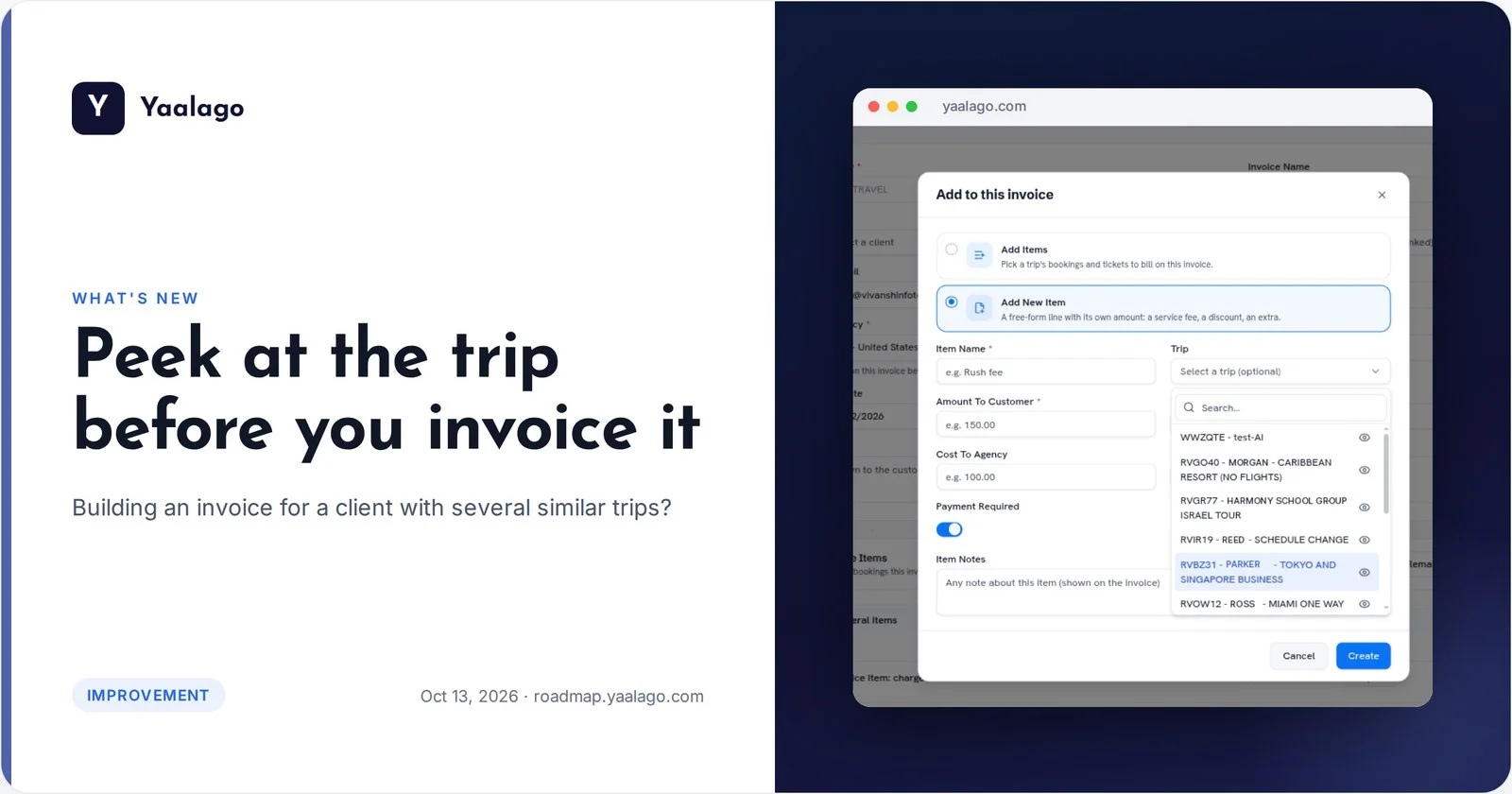
Building an invoice for a client with several similar trips? A new eye icon next to each trip opens it in a new tab, so you can double-check it before you pick it and invoice the right trip the first time.
How to use it
- Open an invoice and click Add, then Add Items
- In the trip list, click the eye icon next to a trip to open it in a new tab
- Check it, then pick the right trip