Prep a whole group in one pass
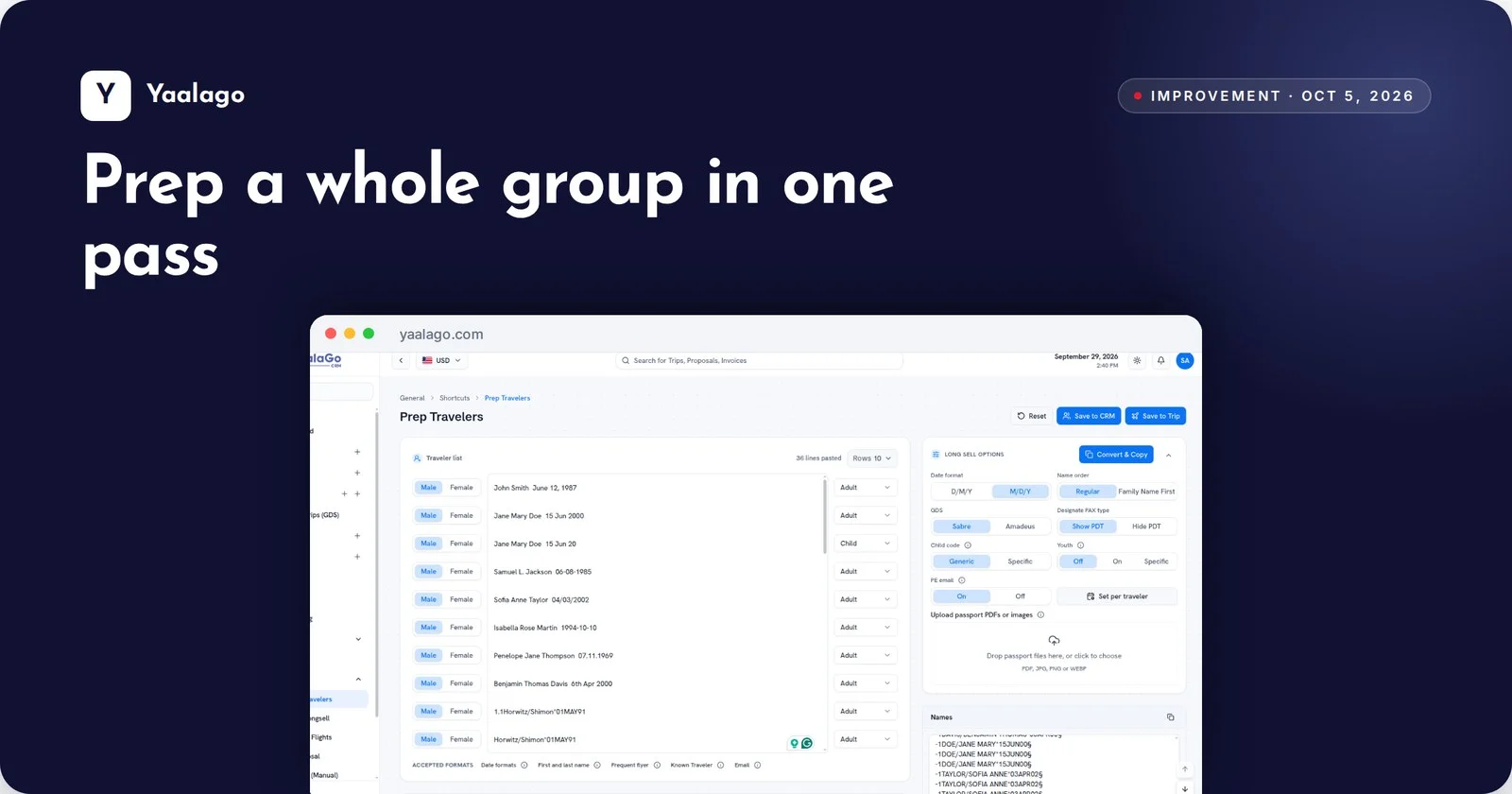
Prep Travelers now takes as many rows as you need, so a large group goes in all at once. And new tasks you create there are assigned to you by default.
How to use it
- Open Shortcuts → Prep Travelers
- Use the Rows selector to add as many rows as you need
- Tasks you create from Prep Travelers are assigned to you