Report a problem with a screen recording
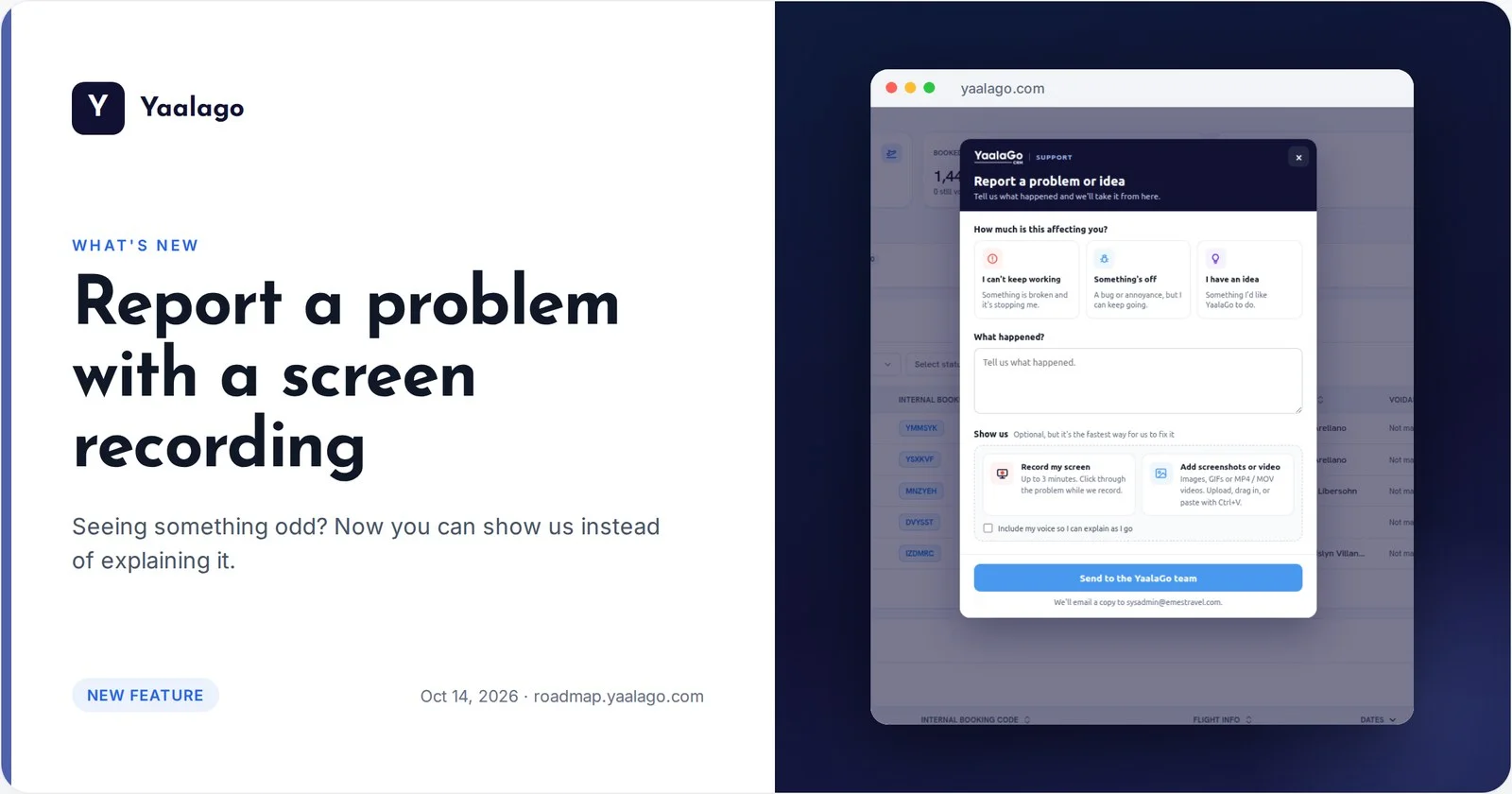
Seeing something odd, or have an idea? Show us instead of writing a long email.
How to use it
- Click the Support icon at the bottom left, or Report a problem on any error screen
- Choose how much it's affecting you and tell us what happened
- Tap Record my screen (up to 3 minutes) or add screenshots
- Send it. You get a reference number and an email copy
Our team sees exactly what you saw, so we can fix it faster.