Show Multiple Airline Reservation Codes When Merging Trips
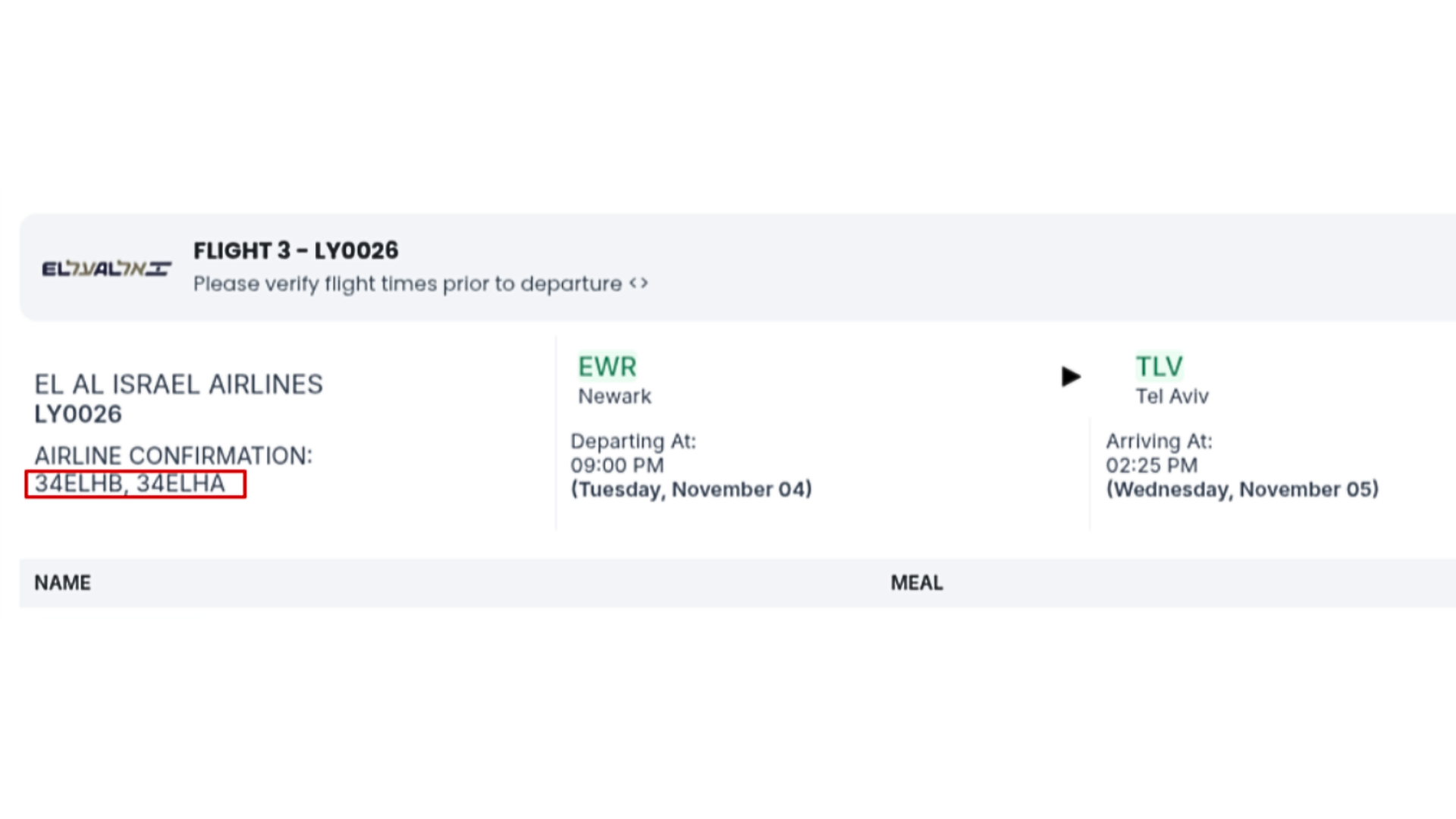
When you add a booking to an existing trip with the same flights, YaalaGo now keeps both airline reservation codes. They appear together, separated by a slash, so travelers can use either one to check in.
If the merged trips include the same passengers, their names appear only once on the confirmation. This keeps the document clear and avoids duplicates.