Sync Your Payment Manually if Stripe Confirmation is Delayed
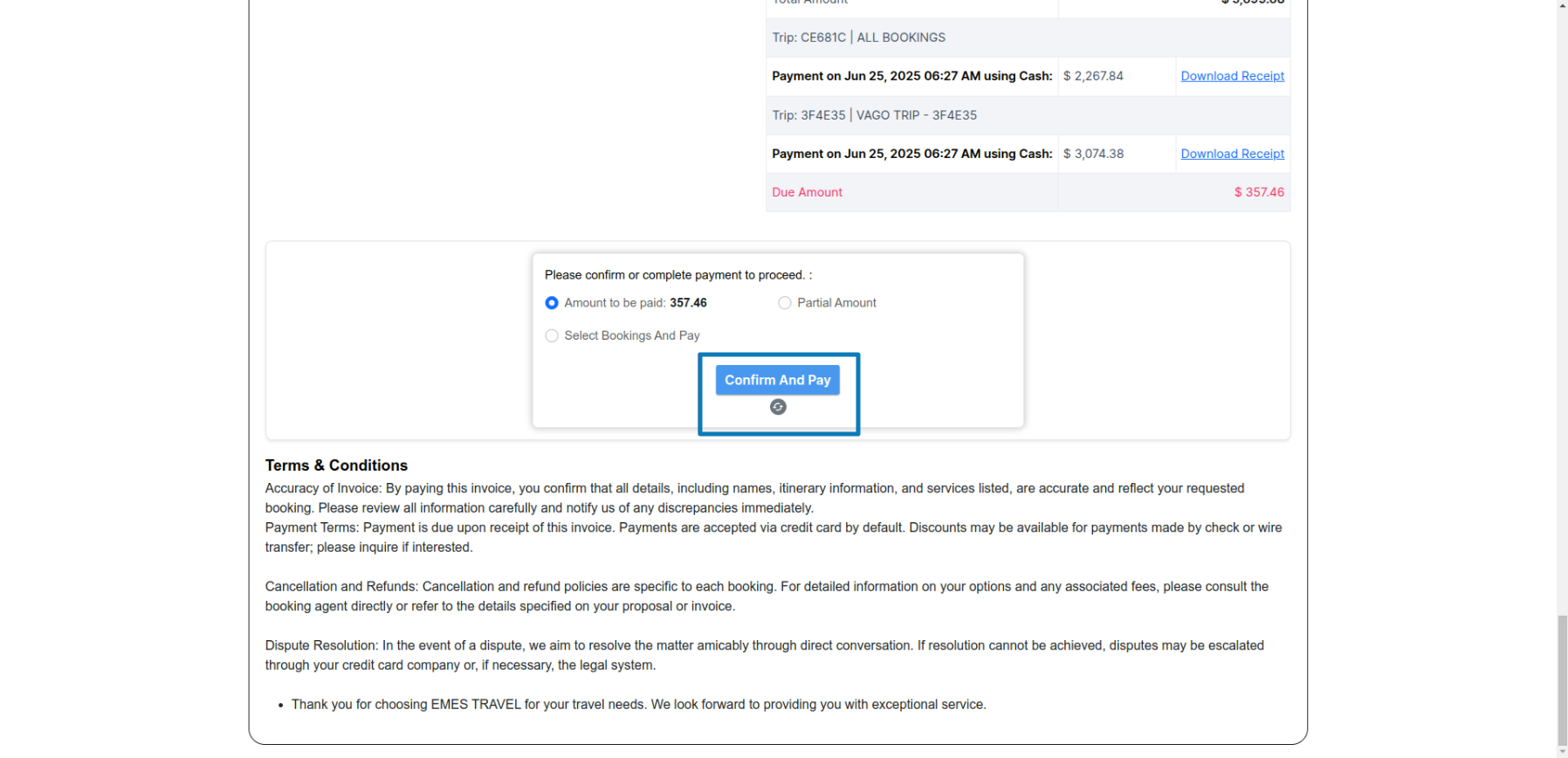
If you've completed a Stripe payment but the invoice or client link still shows as unpaid, you can now manually trigger a sync to update the status.
Here’s what’s changed:
- The system now checks for unsynced Stripe payments every 10 minutes instead of every 3 hours.
- A sync icon appears below the Confirm and Pay button if your payment was successful but hasn’t yet updated.
- This icon only shows if you’ve started a Stripe payment and the status hasn’t changed due to a delayed confirmation.
- When you hover over the icon, you’ll see a “Sync payment” tooltip. Clicking it will check with Stripe and update the status immediately if the payment went through.