Ticket Number Display Settings Now Available for All Bookings
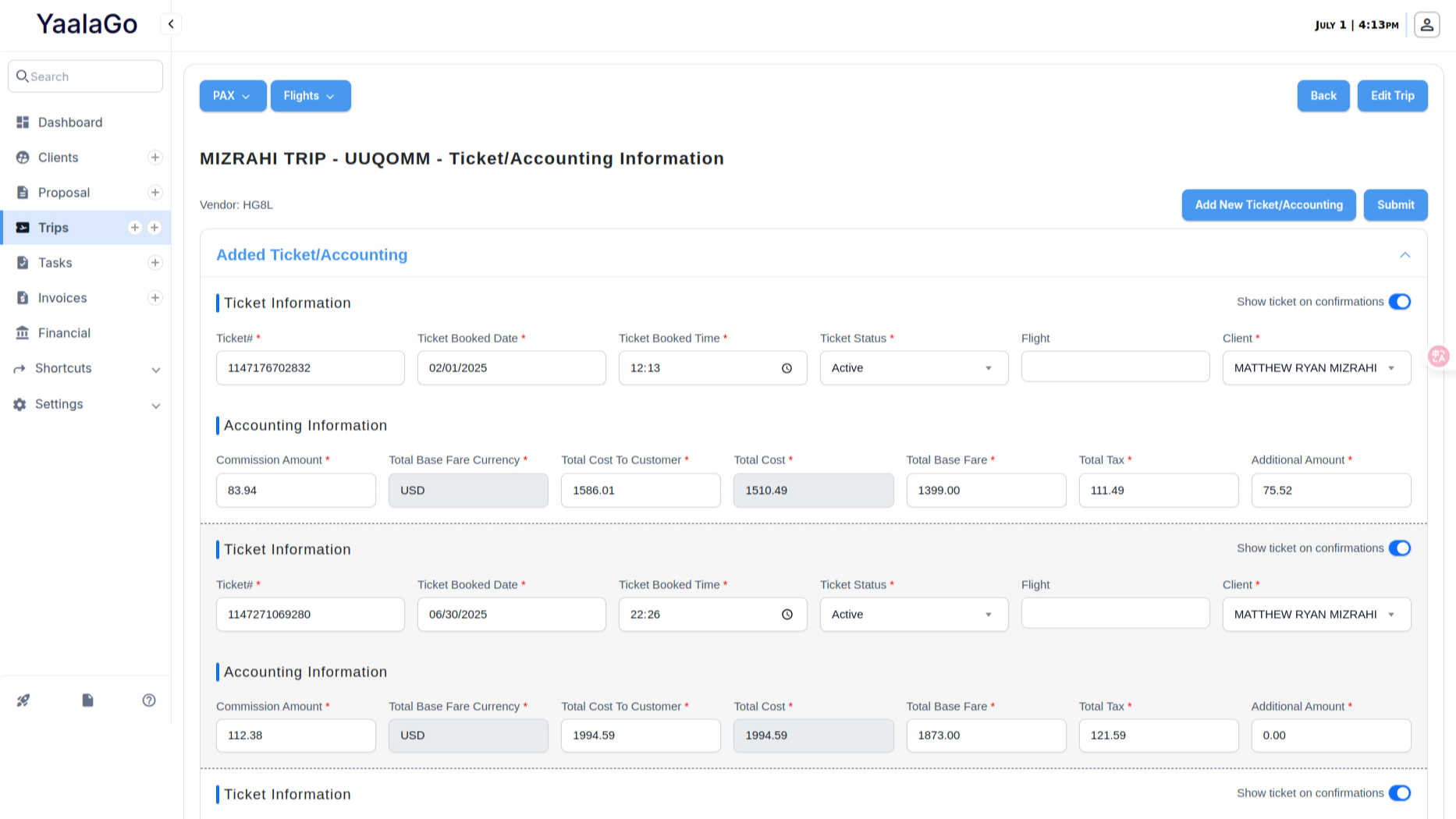
You can now choose whether ticket numbers appear on confirmations (PDF, link, and email) for all tickets—this includes manual and exchanged bookings.
Previously, the “Show on Confirmation” toggle only appeared for tickets carried over during a full exchange. With this update, the toggle will be available for every ticket on the trip, so you can control visibility regardless of how the booking was made.
A few things to note:
- The toggle only affects how ticket numbers appear on confirmation materials (it doesn’t change the invoice item list).
- Refunded and voided tickets won’t display on confirmations, even if the toggle is on.
- You can still manage visibility for these tickets directly in the Edit Trip view.