View Invoices Linked to Trips on Listing and Edit Pages
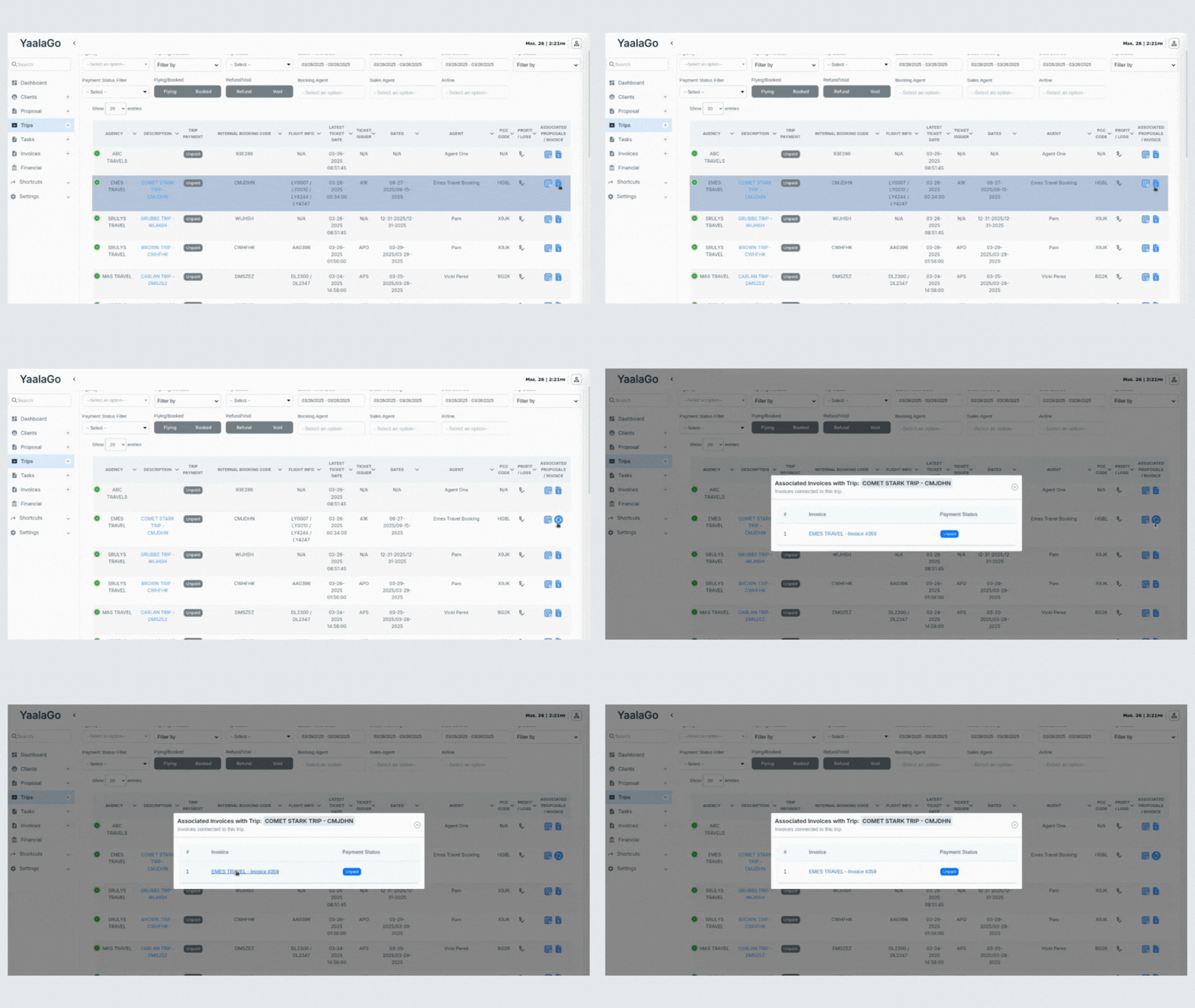
You can now view all invoices associated with a trip directly from both the trip listing and edit trip pages in YaalaGo CRM.
What’s Changed?
- Trip Listing Page: Associated invoices are shown next to each trip using the same format as client names. If a trip has more than one invoice, they’re separated by slashes for easy scanning.
- Edit Trip Page: A dedicated section now displays all invoices linked to that trip. This gives you a clear view of payment activity while reviewing or updating trip details.
- Proposals List Integration: Associated invoices are also included in the same list as proposals. This ensures everything tied to the trip, whether it’s a proposal or invoice, shows up in one place.