You Can Now Exchange a Ticket Into a Different Trip Using a New PNR
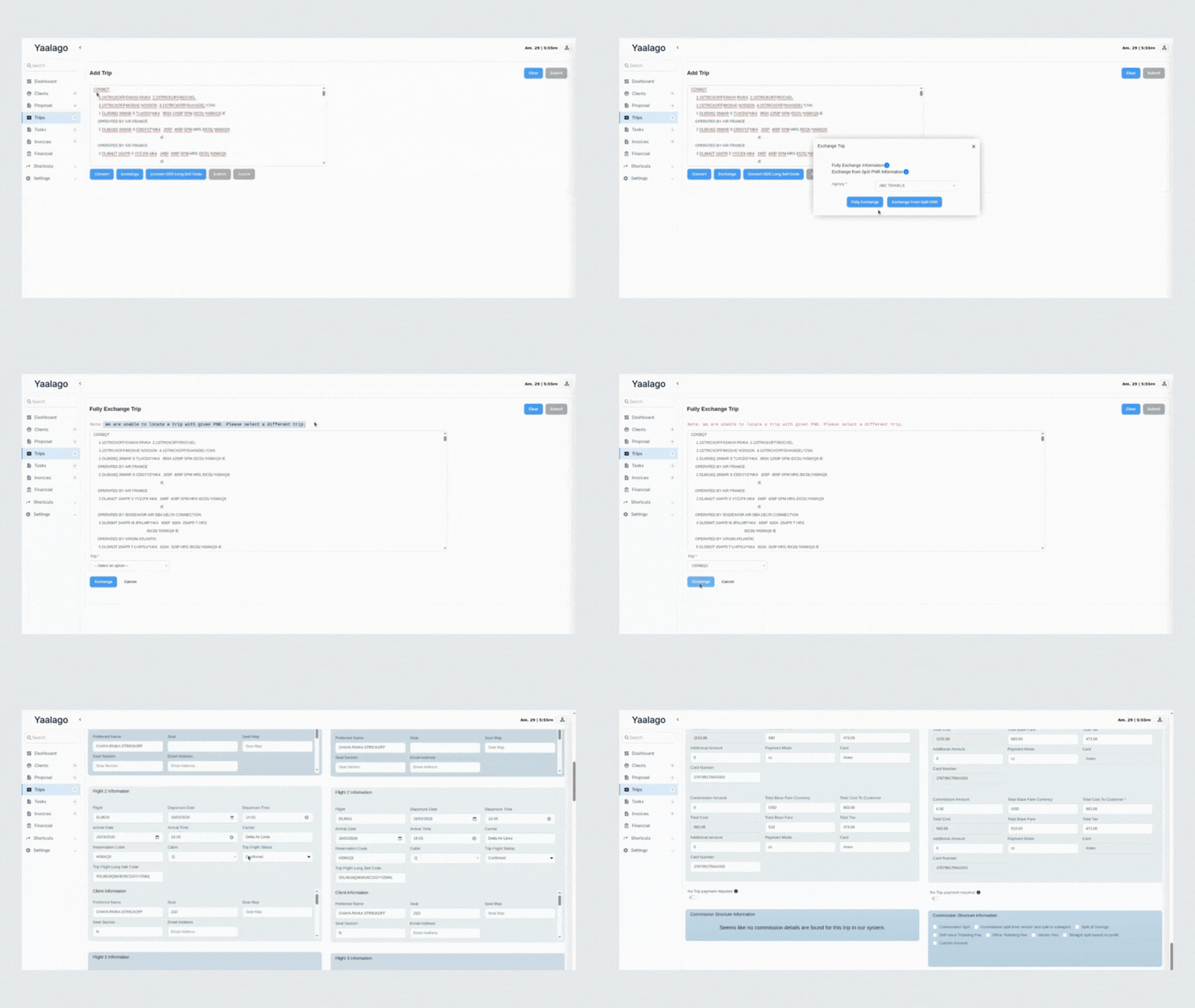
You now have more flexibility when processing exchanges in YaalaGo CRM, especially in cases where a PNR was split or reissued.
Here’s what’s new:
- If the system recognizes the new PNR as part of a split, it will auto-select the correct trip.
- If not, you’ll be prompted to manually select the correct trip to be replaced.
- You can enter the PNR or passenger name to search. A preview option is also available so you can confirm before continuing.
- The trip being replaced will be marked as inactive, while the payment remains intact and is applied to the new trip.
- This ensures your profit calculations stay accurate even when exchanging across different trips.
This update supports real-world use cases like when two passengers share a PNR, one is split off, and a new ticket is issued from a different booking. The system now handles this smoothly.