You Can Now Send Clear PDF Receipts Showing What Was Paid For
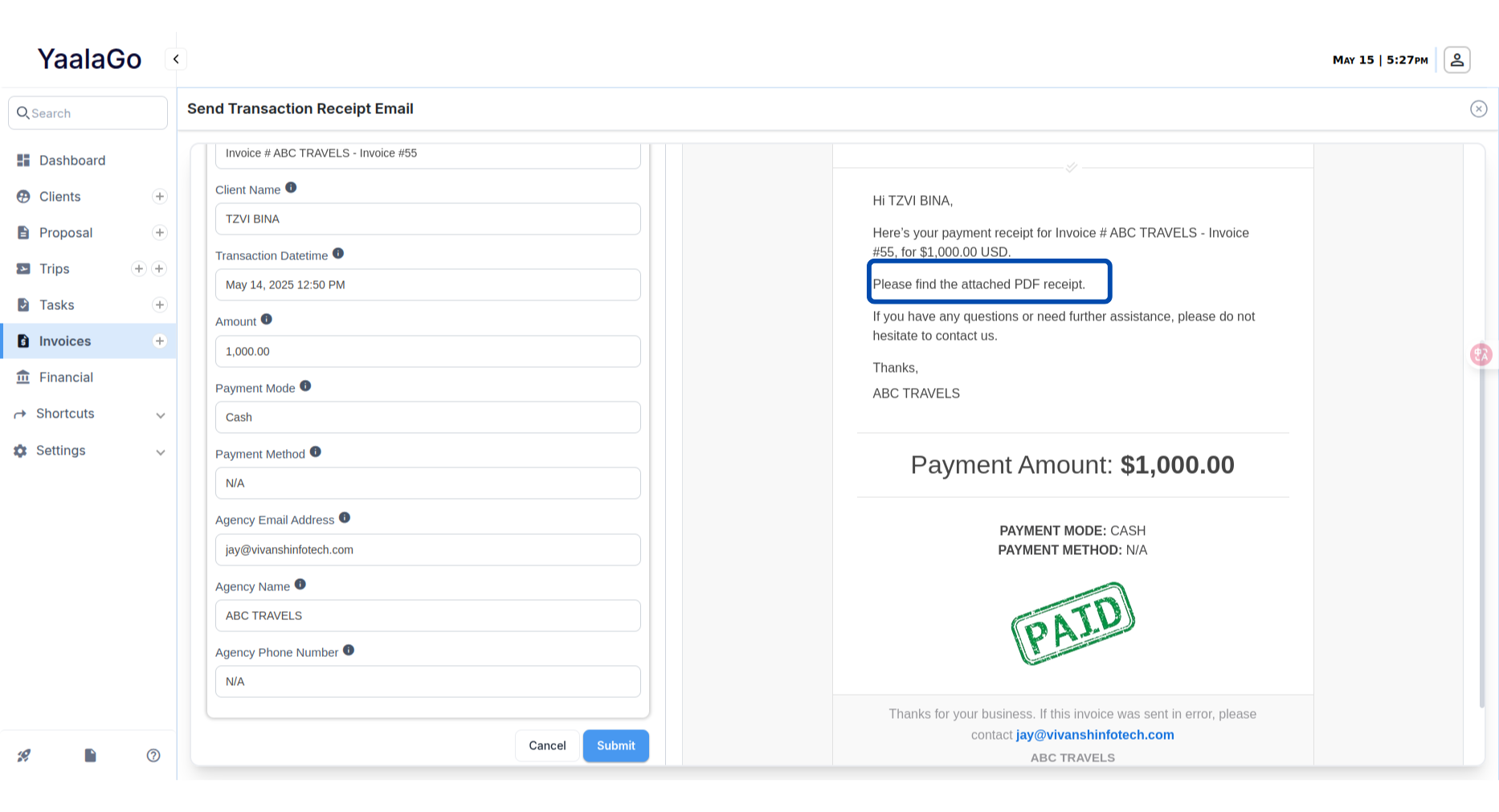
We’ve updated how transaction receipts are sent when a payment is made, whether manually or through Stripe/USAePay.
Instead of linking to a live invoice that may no longer reflect the payment accurately, the system now attaches a PDF receipt directly to the email. This PDF clearly lists only the items the user paid for at the time of the transaction.
Here’s how it works:
- Whenever a payment is processed, the email will include a PDF receipt showing only the relevant paid items.
- If the transaction is a partial payment, the receipt will reflect only that portion.
- The layout has been updated for better readability, even when content is lengthy. Long invoice notes now appear in a full-width section to avoid layout issues.
- The receipt no longer includes a link to the current state of the invoice, which could be misleading. Instead, the email simply says: Please find the attached PDF receipt.
- If needed, receipts can still be re-sent manually from various areas in the system including:
- Trip Payment History
- Add Transaction (on both Trip and Invoice)
- Financials > Regular Transactions
- Invoice Summary (via the mail icon or add transaction)